
|
Do it yourself
| |||
| ||||


How do you reset the Service light on the BMW 5 Series?
Model: BMW Serie 5
E60, E61
- Years 2003-2010
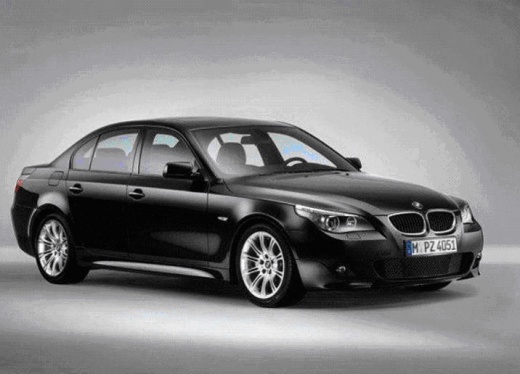
To completely reset the Service indicator of the BMW 5 Series, you can insert the ignition key into the slot: this way you can turn it to start the engine and access the menu on the display. To do this, you will need to press the button located on the left side of the instrument panel: this way you can press this button repeatedly until you find the oil icon. When this icon is displayed, you will need to press the button again until the indicator disappears completely.
Posted on 1 August 2024 by ScegliAuto
Video tutorial
Related tutorials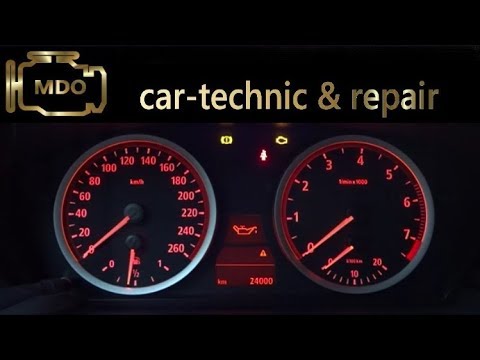
BMW Serie 5
(2003-2010 /
E60, E61)
Let's discover together the instructions on how to reset the service indicator for regular maintenance of the oil change in the BMW 5 Series. First, …
BMW Serie 5
(2010-2017 /
F11, F10)
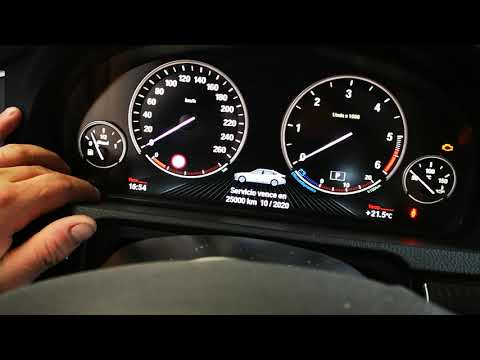
After performing all the operations related to the car servicing on a 2014 BMW 5 Series vehicle, it is necessary to reset the service indicator. To p…

BMW Serie 5
(1995-2003 /
E39)
The Service indicator that is shown on the instrument panel of the BMW 5 Series must be turned on by turning on the instrument panel, inserting the i…
Other guides you may be interested in
|
Frequently Asked QuestionsHow to Pair Smartphone with Bluetooth System on Fiat Tipo
Here’s how to pair your smartphone with the Bluetooth system of the Fiat Tipo's car radio: activate the Bluetooth on your smartphone and set the car radio to connect with the external device. When the car's multimedia system detects your smartphone's Bluetooth, confirm and click on the 'new cell' option. Once the system has detected the smartphone, enter the pairing password if necessary. Finally, download the app on your smartphone and confirm the pairing with the car's multimedia system. Now your smartphone is connected to your car. by ScegliAuto More videos
|
|
For advertising on this site Write to info@scegliauto.com
ScegliAuto is not responsible for any inaccuracy of the data in the lists. To report any inaccuracy or your business (if you own the business in question), please write to info@scegliauto.com
Number of seconds to generate the page: 0.101
(c) ScegliAuto 2026 - info@scegliauto.com - Privacy policy VAT number: IT01247470535 |
