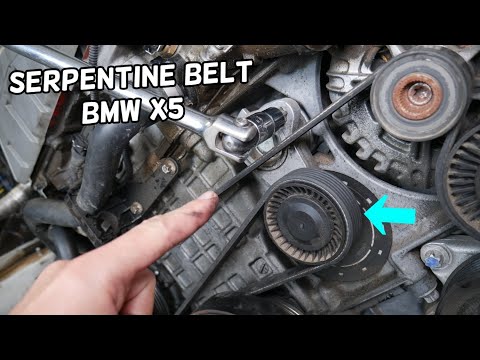
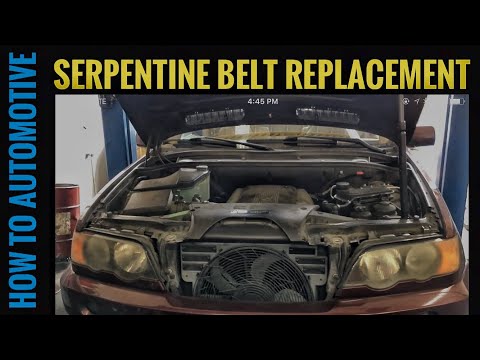
BMW X5 - V-belt
V-belt BMW X5 (2007-2013 / e 70)
V-belt BMW X5 (1999-2006 / e 53)
Cigarette lighter (3)
Alternator (2)
Speaker (1)
Shocks (3)
Car stereo (9)
Battery (5)
Air vents (2)
Transmission (4)
Spark plugs (2)
Body (7)
Glove compartment (2)
Key (23)
Timing belt (3)
V-belt (2)
A/C controls (2)
Onboard computer (1)
Checks and maintenance (15)
Dashboard (2)
Brake rotors (3)
Rear bench seat (2)
Headlight (7)
Air filter (4)
Cabin air filter (12)
Fuel filter (1)
Diesel fuel filter (2)
Oil filter (2)
Parking brake (2)
Clutch (2)
Grille (1)
Fuel injectors (1)
Window switch (1)
Accessory kit (5)
Light bulb (2)
Headlight bulb (8)
Interior dome light bulb (4)
License plate light (3)
Handle (6)
Trim cover (2)
Power window motor (3)
Transmission fluid (2)
Engine oil (2)
Clock (2)
Door trim panel (6)
Front bumper (3)
Rear bumper (1)
Tires (1)
Shift knob (1)
Fuel pump (1)
Push button (2)
Fuse box (39)
Seat (4)
Parking sensors (1)
Door lock (1)
Suspension system (2)
Side mirror (3)
AdBlue warning light (11)
Warning light – error code (14)
(10)
Tire pressure warning light (2)
Service warning light (38)
Manufacturer emblem (2)
Fuel cap (5)
Windshield wipers (2)
Drivetrain (2)
Center console tunnel (2)
Blower motor (6)
Side window (2)
Steering wheel (2)
|
Where is the Spare Wheel in the Peugeot 5008?

This video shows where the spare wheel is located in the Peugeot 5008 and how to access it, useful in case of a puncture. As shown, the wheel is not in the usual boot compartment but underneath it, outside the vehicle. To free the wheel, first gather the tools provided, then open the boot, locate the small indicated hatch, and open it. Next, loosen the bolt just released using the large socket wrench enough to lower the wheel to the ground.
Watch the video!
by ScegliAuto
More videos
|