
|
Do it yourself
| |||
| ||||


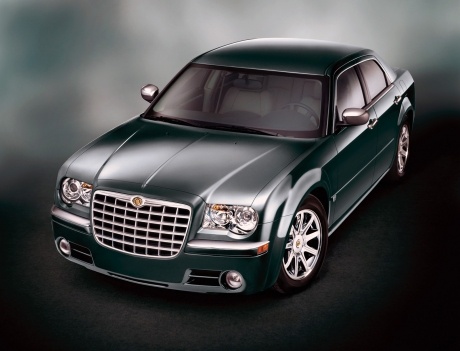
Installation of LED Fog Lights
Model: Chrysler 300c
MK 1
- Years:
2004, 2005, 2006, 2007, 2008, 2009, 2010, 2011
This video is currently unavailable
To remove the original fog lights, first detach the front bumper by releasing the clips at the wheel arches and other fastening screws. Proceed to remove the standard fog lights and install the LED ones, securing them laterally (the lights will then be adjustable). Next, connect the power cables to those of the original bulb using 'current thieves', without cutting the original bulb holder, ensuring to respect polarity and properly insulate the connections. Repeat the same process for the installation of the other light, reattach the bumper, and perform a functionality check.
Updated on 4 February 2026 by ScegliAuto
Related tutorials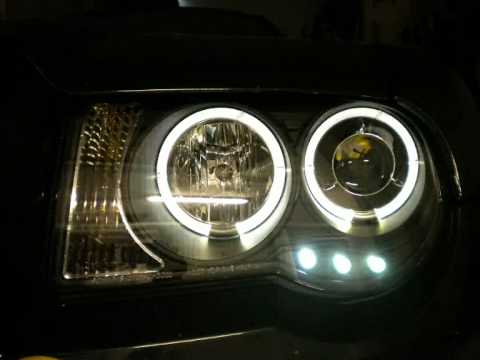
Chrysler 300c
(2004-2011 /
MK 1)
The video guides you through the installation of angel eyes headlights on your vehicle.
After removing the original headlamp unit from its location, …

Chrysler 300c
(2004-2011 /
MK 1)
First, remove the pressure clips securing the wheel arches and unscrew the fixing pins of the bumper located at the inner edge. Continue by removing …
Chrysler 300c
(2011-2014 /
)
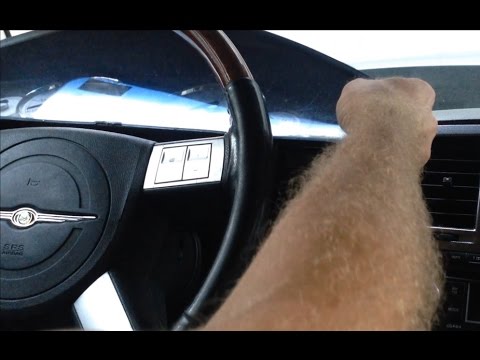
How do you remove the instrument cluster from a Chrysler 300C? Follow these steps: Unscrew the screws located in the plastic covers of the steering w…
Other guides you may be interested in
|
How to Reset the Tyre Pressure Warning Light on the Jeep Renegade?
To reset the tyre pressure warning light on the Jeep Renegade, inflate the tyres until they reach the recommended pressure: this value is indicated on the sticker attached to the driver’s door pillar. Once the tyres are properly inflated, navigate through the menu that appears on the instrument cluster until you find the tyre pressure option. At this point, press and hold the OK button on the right side of the steering wheel to make the warning light disappear. by ScegliAuto More videos
|
|
For advertising on this site Write to info@scegliauto.com
ScegliAuto is not responsible for any inaccuracy of the data in the lists. To report any inaccuracy or your business (if you own the business in question), please write to info@scegliauto.com
Number of seconds to generate the page: 0.027
(c) ScegliAuto 2026 - info@scegliauto.com - Privacy policy VAT number: IT01247470535 |
