
|
Do it yourself
| |||
| ||||


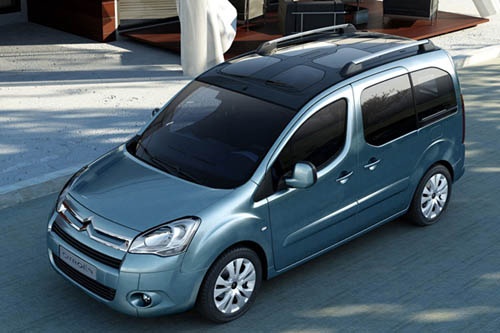
How to reset the service light on the 2015 Citroen Berlingo
Model: Citroen Berlingo
MK 2
- Years:
2008, 2009, 2010, 2011, 2012, 2013, 2014, 2015, 2016, 2017, 2018
Video tutorial
The service light on 2015 Citroen Berlingo vehicles turns on when it is necessary to perform maintenance on the vehicle or when it is necessary to replace the engine oil. After carrying out the checks and maintenance operations, we must press the button located on the odometer while keeping the ignition off. Keeping the button pressed, we wait for the countdown to start in order to set the next kilometers for maintenance and reset the light. Once the countdown is completed, the light will be reset and at that point we proceed with the final step, which is restarting the instrument panel.
Posted on 5 July 2025 by ScegliAuto
Related tutorials
Citroen Berlingo
(2008-2018 /
MK 2)
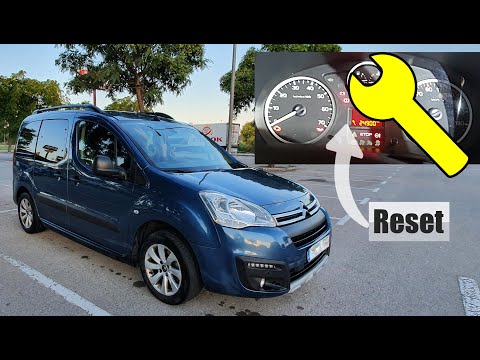
To reset the Service light on the Citroën Berlingo, press and hold the button located in the centre of the instrument cluster, to the right of the sm…
Citroen Berlingo
(2008-2018 /
MK 2)
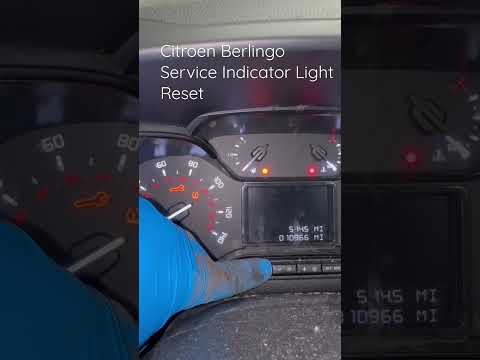
To reset the service light on a Citroën Berlingo, turn on the instrument panel and press the button located on the right side of the panel. While hol…
Citroen Berlingo
(2008-2018 /
MK 2)
When the service light comes on in a Citroen Berlingo, first perform the vehicle service and then reset the light. The reset procedure is quick and e…
Other guides you may be interested in
|
How to Open the Fuel Filler Flap in the Hyundai i30?
In this tutorial, you will learn how to open the fuel filler flap in the Hyundai i30, a very simple operation that follows the typical procedure of most vehicles. First, unlock the locks using the designated button on the remote, then open the driver's door, locate the release lever on the left side of the seat, and operate it. Next, move to the fuel filler flap, open it completely, unscrew the cap, and refuel as needed. To close the flap, simply press it gently. by ScegliAuto More videos
|
|
For advertising on this site Write to info@scegliauto.com
ScegliAuto is not responsible for any inaccuracy of the data in the lists. To report any inaccuracy or your business (if you own the business in question), please write to info@scegliauto.com
Number of seconds to generate the page: 0.143
(c) ScegliAuto 2026 - info@scegliauto.com - Privacy policy VAT number: IT01247470535 |
