
|
Do it yourself
| |||
| ||||


Fiat Ducato - Onboard computerOnboard Computer Fiat Ducato (2014-2026 / x 290) Fiat Ducato (2014-2026 / X290)
What to do if you have problems with the alarm and volumetric sensors Especially on campers and vans, like this Fiat Ducato, the alarm may sound for no apparent reason, particularly at night. The cause is often the volumetric …Read all… Posted on 18 August 2026 by ScegliAuto  Fiat Ducato (2014-2026 / X290)
How to Disable Start & Stop on a Fiat Ducato 2021 The start & stop system on the Fiat Ducato 2021 can be temporarily disabled using the dedicated button, but it reactivates with each start. For a permanent …Read all… Posted on 23 July 2026 by ScegliAuto  Fiat Ducato (2014-2026 / X290)
How to reset the TPMS of the Fiat Ducato X290 In this video we see how to reset the TPMS of the Fiat Ducato X290: we will use the keypad located on the left side of the steering wheel, then the right/left …Read all… Posted on 6 November 2025 by ScegliAuto  Fiat Ducato (2014-2026 / X290)
What are the driving assistance systems of the Fiat Ducato, and how do they work? In this video we will see what are the driving assistance systems of the Fiat Ducato, and how they work. For example, the ABS, which prevents wheel lock during …Read all… Posted on 31 May 2025 by ScegliAuto  Fiat Ducato (2014-2026 / X290)
How to set up the satellite navigator on the Fiat Ducato Let's see how to set up the satellite navigator on the Fiat Ducato X290: we press the navigator button on the control panel located below the screen and go to …Read all… Posted on 11 May 2025 by ScegliAuto  Fiat Ducato (2014-2026 / X290)
How to display the external temperature on a Fiat Ducato vehicle Viewing the external temperature on a 2022 Fiat Ducato vehicle is a very simple operation that can be done in just a few minutes. To view the temperature and …Read all… Posted on 12 January 2025 by ScegliAuto 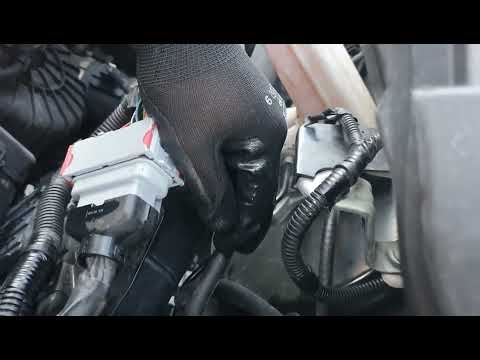 Fiat Ducato (2014-2026 / X290)
How to Replace the Fuel Filter on a Fiat Ducato In this video tutorial, you will see how to replace the fuel filter on a Fiat Ducato. First, purchase a new filter. Next, lift the bonnet and secure it with …Read all… Posted on 14 July 2026 by ScegliAuto 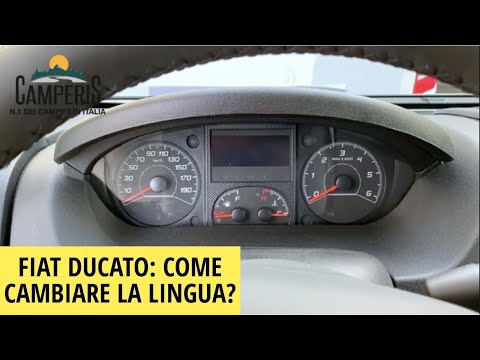 Fiat Ducato (2014-2026 / X290)
How to Change the Language of the Onboard Computer on the Fiat Ducato If you purchased your new Fiat Ducato from a foreign private seller and the preset language of the onboard computer is different from Italian, simply follow …Read all… Posted on 26 June 2026 by ScegliAuto Airbag (8) Alternator (1) Shocks (13) Antenna (1) Car stereo (16) Roof rack bars (2) Battery (13) Air vents (2) Transmission (1) Glow plugs (7) Body (9) Control unit (1) Wheel rim (1) Key (13) Timing belt (61) A/C controls (1) Onboard computer (8) Checks and maintenance (59) Throttle body (3) Dashboard (10) Bearing (1) Brake rotors (1) Headlight (16) Tail light (2) Fog lights (4) Air filter (11) Cabin air filter (23) Diesel fuel filter (19) Oil filter (8) Parking brake (3) Clutch (5) Grille (2) Fuel injectors (1) Window switch (1) Reverse light switch (3) Light bulb (16) Side marker bulb (7) Headlight bulb (29) Tail light bulb (5) Interior dome light bulb (1) Antifreeze coolant (1) Instrument panel light (2) Handle (3) Trim cover (2) Engine (4) Power window motor (2) Starter motor (5) Transmission fluid (4) Engine oil (14) Clock (23) Door trim panel (10) Front bumper (3) Rear bumper (1) Brake pads (3) Shift knob (3) Pump (3) Fuel pump (5) Car door (10) Power window switch (1) Instrument cluster (10) Radiator (2) Heater core (6) Wheel (17) Fuse box (80) Seat (8) Axle shaft (1) Door lock (3) Brake system (1) Suspension system (4) Side mirror (29) Rearview mirror (2) AdBlue warning light (9) Warning light – error code (17) (2) Tire pressure warning light (1) Service warning light (88) Windshield wipers (6) Thermostat (2) Cylinder head (1) Valve (1) EGR valve (5) Blower motor (8) Side window (2) Steering wheel (4) |
How to Replace the Cabin Filter on the Opel Grandland X
If you own an Opel Grandland X and want to know the steps to replace the cabin air filter, carefully read the following guide and follow the described steps. First, enter the vehicle and go to the passenger side. Then, locate the box containing the air filter in the lower side area of the dashboard. Remove the cover of the box and finally replace the old filter with the new one. Refit the cover, and you are done. by ScegliAuto More videos
|
|
For advertising on this site Write to info@scegliauto.com
ScegliAuto is not responsible for any inaccuracy of the data in the lists. To report any inaccuracy or your business (if you own the business in question), please write to info@scegliauto.com
Number of seconds to generate the page: 0.156
(c) ScegliAuto 2026 - info@scegliauto.com - Privacy policy VAT number: IT01247470535 |
