
|
Do it yourself
| |||
| ||||


Fiat Freemont - Warning light – error codeWarning Light – Error Code Fiat Freemont (2011-2016 / mk 1)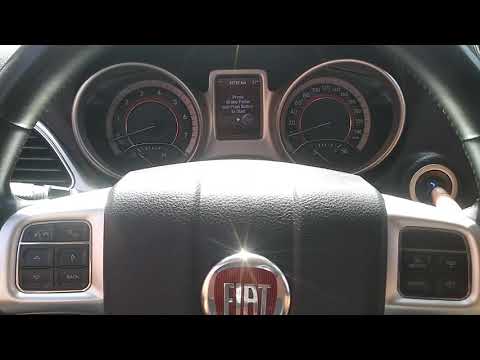 Fiat Freemont (2011-2016 / MK 1) How to Reset the Service Light on the Fiat Freemont Whenever you change the engine oil and filter on this model, you must reset the warning light that has illuminated on the dashboard. Follow the procedure …Read all… Posted on 24 October 2026 by ScegliAuto  Fiat Freemont (2011-2016 / MK 1) How to Reset the Trip on the Fiat Freemont In today's video, see how to reset Trip A and Trip B on the Fiat Freemont; this tutorial is also applicable to the Dodge Journey. First, turn on the ignition …Read all… Posted on 2 October 2026 by ScegliAuto  Fiat Freemont (2011-2016 / MK 1) Resetting Bluetooth on a Fiat Freemont Many people have experienced issues with the Bluetooth system on the Fiat Freemont. One thing you can do is go to the settings of your onboard computer, look …Read all… Posted on 21 May 2026 by ScegliAuto 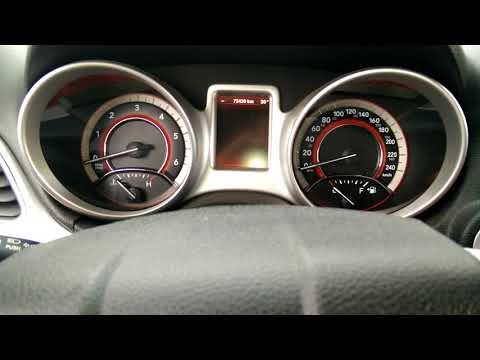 Fiat Freemont (2011-2016 / MK 1) Dashboard Errors Caused by a Flat Battery in the Fiat Freemont When the battery of the Fiat Freemont is flat, the onboard computer may exhibit unusual and absolutely strange behaviours. These can include incorrect warnings …Read all… Posted on 13 April 2026 by ScegliAuto  Fiat Freemont (2011-2016 / MK 1) How to Reset the Maintenance Indicator on a Fiat Freemont Learn how to reset the service maintenance indicator on a Fiat Freemont. This operation is very simple: enter the vehicle, turn on the ignition (you will see …Read all… Posted on 29 March 2026 by ScegliAuto Cigarette lighter (1) Airbag (1) Car stereo (7) Battery (7) Air vents (1) Transmission (2) Spark plugs (1) Key (11) Trunk lock (1) Timing belt (1) Air conditioner (1) A/C controls (1) Onboard computer (4) Checks and maintenance (3) Dashboard (1) MAF sensor (1) Brake rotors (1) Tail light (2) Fog lights (2) Air filter (1) Cabin air filter (3) Diesel fuel filter (2) Grille (1) Headlight bulb (5) Instrument panel light (2) Engine (1) Transmission fluid (1) Engine oil (1) Clock (3) Door trim panel (1) Rear bumper (1) Brake pads (3) Shift knob (1) Pump (1) Car door (1) Push button (1) Fuse box (5) Seat (4) Door lock (1) Side mirror (1) Warning light – error code (5) Tire pressure warning light (4) Service warning light (12) |
Fuse Box Location and Diagram for BMW 3 Series
These brief steps will show you where to find the fuse boxes and how to access their diagram for the BMW 3 Series. First, open the front passenger door and start opening the glove compartment; then remove the plastic cover at the bottom to access the interior fuse box, as shown in the video. You will find another fuse box in the engine compartment by removing the plastic cover located at the top right; the owner's manual contains the fuse diagram, which is useful for replacing the fuses! by ScegliAuto More videos
|
|
For advertising on this site Write to info@scegliauto.com
ScegliAuto is not responsible for any inaccuracy of the data in the lists. To report any inaccuracy or your business (if you own the business in question), please write to info@scegliauto.com
Number of seconds to generate the page: 0.007
(c) ScegliAuto 2026 - info@scegliauto.com - Privacy policy - About us VAT number: IT01247470535 |
