
|
Do it yourself
| |||
| ||||


How do you set the clock on the Fiat Bravo?
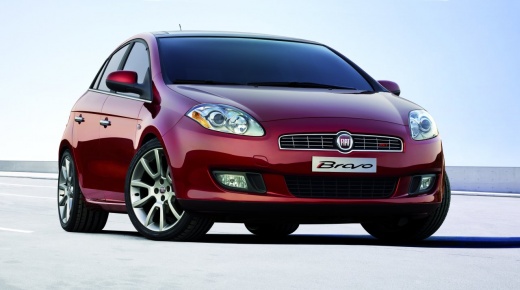
Model: Fiat Bravo
Bravo 2
- Years 2007-2014
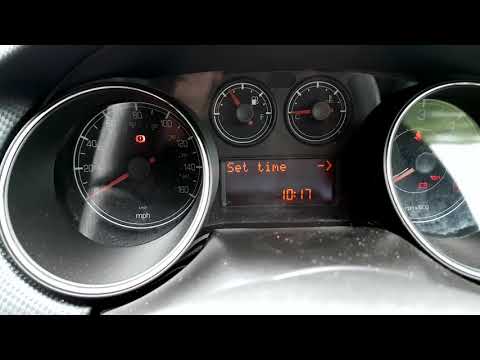
To be able to set the clock on the Fiat Bravo, switch on the instrument panel and press the MODE button on the central dashboard: a menu will appear in which you will need to move using the buttons above and below the MODE button. When the message "Set time" appears, press the MODE button and the time will begin to flash. With the buttons above and below MODE it is possible to adjust the time and when the correct one has been set, confirm with MODE. The same procedure must be performed with the minutes; after setting the time it will be possible to switch off the instrument panel.
Posted on 7 November 2021 by ScegliAuto
Video tutorial
Related tutorials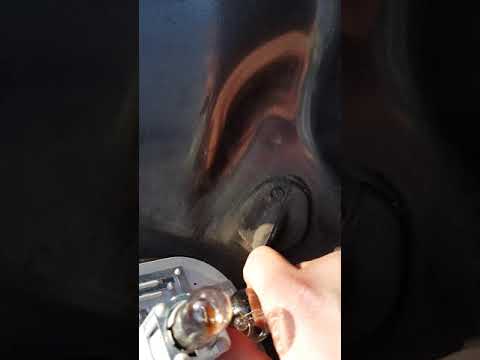
Fiat Bravo
(2007-2014 /
Bravo 2)
In order to replace the rear light bulb of the Fiat Bravo it will be possible to go and lift the tailgate of the luggage compartment, to loosen the u…
Fiat Bravo
(2007-2014 /
Bravo 2)
In the video in question we will see the instructions on how to adjust the clock in a second series Fiat Bravo. First we get inside the car and turn …
Fiat Bravo
(2007-2014 /
Bravo 2)
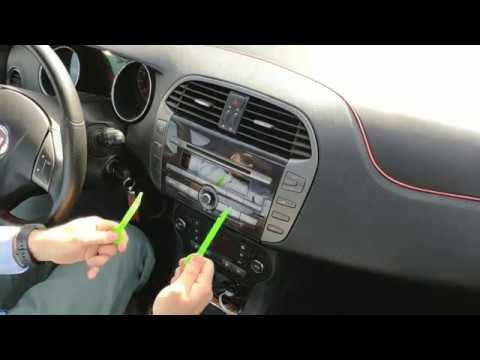
How to replace a damaged car stereo on a Fiat Bravo? Let's see the disassembly. We use the original metal keys to disassemble the stereo of the Fiat …
Other guides you may be interested in
|
How to Replace the Interior Rearview Mirror on an Audi Q5
In this simple operation, follow a few straightforward steps to replace the mirror without damaging any sensitive parts of your vehicle. Start by removing the small panel that covers the pillar connecting the roof of your vehicle to the mirror. Then, using a lever, remove the lower cover. Now, simply rotate the mirror to remove it; you can use a wrench to assist with the rotation. Once the mirror is removed, install the new one by following the steps in reverse for reassembly. by ScegliAuto More videos
|
|
For advertising on this site Write to info@scegliauto.com
ScegliAuto is not responsible for any inaccuracy of the data in the lists. To report any inaccuracy or your business (if you own the business in question), please write to info@scegliauto.com
Number of seconds to generate the page: 0.085
(c) ScegliAuto 2026 - info@scegliauto.com - Privacy policy VAT number: IT01247470535 |
