
|
Do it yourself
| |||
| ||||


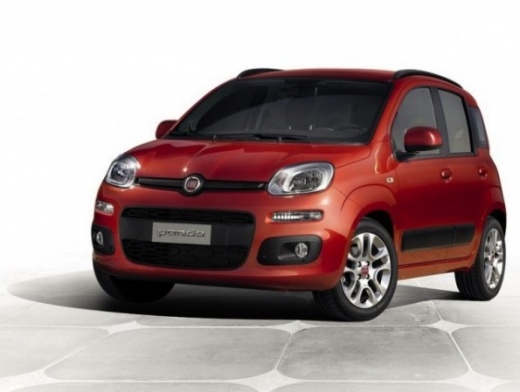
Replacing Fog Lights on a Fiat Panda
Model: Fiat Panda
319, MK 3
- Years:
2012, 2013, 2014, 2015, 2016, 2017, 2018, 2019, 2020, 2021, 2022, 2023
Video tutorial
In this video tutorial, you will see how to remove and replace the bulbs of the front fog lights on a Fiat Panda third series. First, remove the screws securing the wheel arch liner to access the fog lights; to do this, fully turn the wheels to the affected side. Once the wheel arch liner is removed, take the bulb and turn it anti-clockwise, as shown in the video: then disconnect it from the connector by pulling the tab. Simply replace it with a new one of the correct type (in this case, H11 fitting), and reassemble everything!
Updated on 1 May 2026 by ScegliAuto
Related tutorials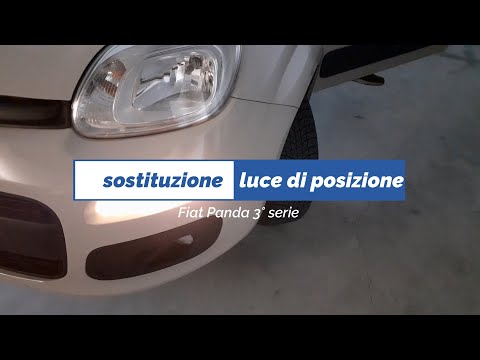
Fiat Panda
(2012-2026 /
319, MK 3)
In this video tutorial, you will learn how to remove and replace the front position bulbs on a Fiat Panda third series, following the steps outlined …
Fiat Panda
(2003-2012 /
169, MK 2)
This short video will show you how to remove the old H4 bulbs for the dipped beams in your Fiat Panda and replace them with new bulbs. This is a simp…
Fiat Panda
(2003-2012 /
169, MK 2)
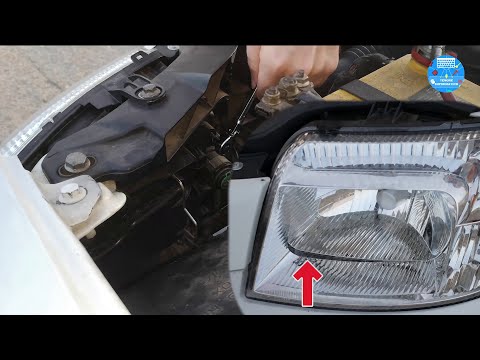
In today's video, you will learn how to adjust the height or angle of the dipped headlights on a Fiat Panda 169. You can make the adjustment in two d…
Other guides you may be interested in
|
How to Reset the Tyre Pressure Warning Light on the Jeep Renegade?
To reset the tyre pressure warning light on the Jeep Renegade, inflate the tyres until they reach the recommended pressure: this value is indicated on the sticker attached to the driver’s door pillar. Once the tyres are properly inflated, navigate through the menu that appears on the instrument cluster until you find the tyre pressure option. At this point, press and hold the OK button on the right side of the steering wheel to make the warning light disappear. by ScegliAuto More videos
|
|
For advertising on this site Write to info@scegliauto.com
ScegliAuto is not responsible for any inaccuracy of the data in the lists. To report any inaccuracy or your business (if you own the business in question), please write to info@scegliauto.com
Number of seconds to generate the page: 0.081
(c) ScegliAuto 2026 - info@scegliauto.com - Privacy policy VAT number: IT01247470535 |
