
|
Do it yourself
| |||
| ||||


What to Do When a Lock Icon Appears on the Dashboard of a Fiat Group Vehicle
Model: Fiat Fiat Various
Video tutorial
What to do if a lock icon appears on the dashboard of your vehicle, whether it's a Punto, Ypsilon, or Panda? There is no need to dismantle the key or try the spare key. The most common issue is that water may have entered the fuse box in the engine compartment, or the control unit located in that position has become wet and has been adversely affected by humidity. Since these two components are positioned under the water drains of the dashboard, it is not unlikely that they could get wet, especially if the drains are blocked. Simply dry everything with a heat gun (at a safe distance, do not overheat them) and the problem will be resolved.
Updated on 27 August 2026 by ScegliAuto
Related tutorials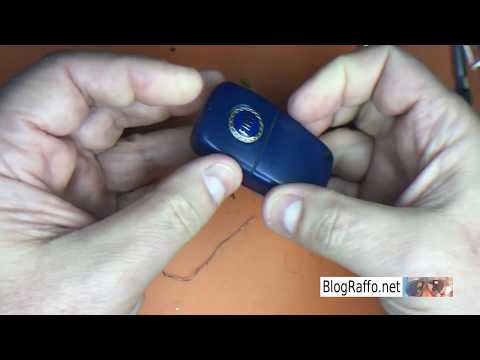
Fiat Fiat Various
In this video, see what to do if an icon depicting a lock and an engine appears on the dashboard of a Fiat car. This usually happens after the key ha…
Fiat Fiat Various
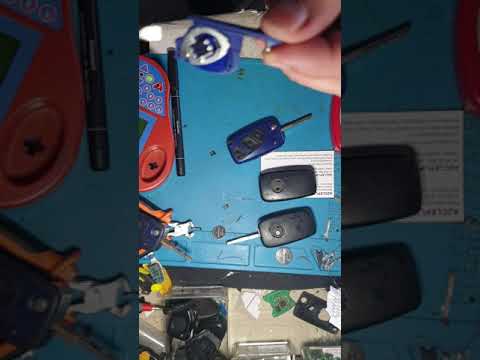
Replace the batteries in the remote control for most Fiat group vehicles (Punto - 500 - Bravo - Stilo - Doblò - Panda - Nemo - Qubo - Grande Punto). …
Fiat Fiat Various
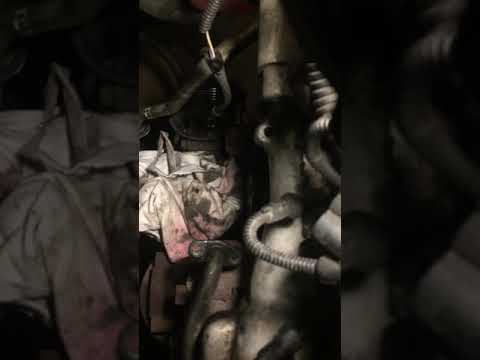
Here’s how to repair coolant (water) leaks from the water-oil heat exchanger on the 1.3 Multijet engines of the Fiat group: to extract the heat excha…
Other guides you may be interested in
|
How to Set the Date and Time on the Iveco Daily
Today, we will see in this video tutorial how to change the date and time on the Iveco Daily. First, get into the vehicle and turn on the instrument panel; then go to the vehicle settings on the central display, pressing the relevant option for date and time. At this point, press the "set" button located at the top, using the physical arrow buttons to set both the date and time; finally, exit the onboard computer menu to save the changes made! by ScegliAuto More videos
|
|
For advertising on this site Write to info@scegliauto.com
ScegliAuto is not responsible for any inaccuracy of the data in the lists. To report any inaccuracy or your business (if you own the business in question), please write to info@scegliauto.com
Number of seconds to generate the page: 0.225
(c) ScegliAuto 2026 - info@scegliauto.com - Privacy policy VAT number: IT01247470535 |
