
|
Do it yourself
| |||
| ||||


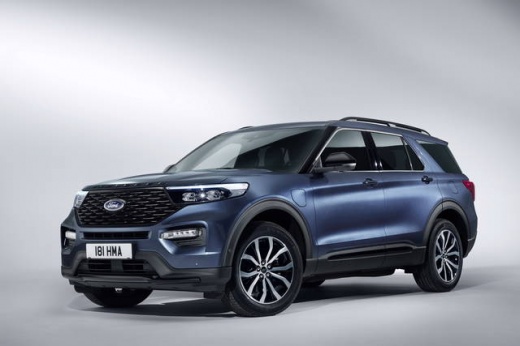
How to Remove and Replace the Logo of the Ford Explorer
Model: Ford Explorer
MK 6, U625
- Years:
2020, 2021, 2022, 2023, 2024, 2025, 2026
Video tutorial
Today, we will see how to remove and replace the logo of the Ford Explorer. Start by removing the badges from the tailgate. Use a heat gun to soften the automotive silicone holding the badge to the tailgate. Next, use a wire to remove the logos; follow the same procedure to remove the central badge above the number plate. Use a sander to remove any remaining silicone from the tailgate and polish the surface to prepare it for the new adhesive that will allow you to apply the new logos and text. Apply the adhesive to the badge and affix it to the rear bumper and tailgate.
Posted on 3 May 2026 by ScegliAuto
Related tutorials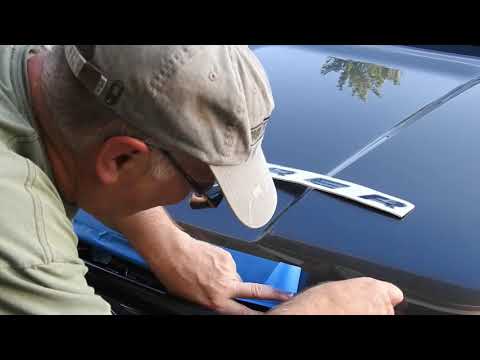
Ford Explorer
(2011-2019 /
MK 5, U502)
In this video, you will learn how to attach the Explorer logo on the bonnet of a Ford Explorer. Clean the surface where you intend to attach the logo…

Ford Explorer
(2020-2026 /
MK 6, U625)
This video shows how to make two aesthetic modifications on the Ford Explorer. Specifically, you will replace the rear logo and the chrome trim on th…
Ford Explorer
(2011-2019 /
MK 5, U502)
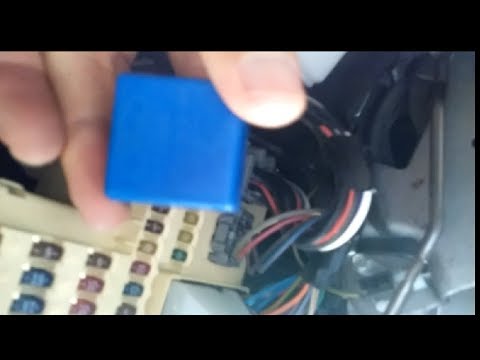
To replace the indicator relay of the Ford Explorer, detach the dashboard protection panel located just below the steering column. Once this panel is…
Other guides you may be interested in
|
How to reset the tyre pressure warning light on the Kia Niro EV?
To reset the tyre pressure warning light on the Kia Niro EV, inflate the tyres until they reach the correct pressure value. This value is indicated on the sticker attached to the driver's door pillar. Once the tyres are inflated, turn on the instrument cluster to check that the warning light has completely disappeared from the display. If it is still present, you may need to drive for a few miles to ensure it disappears completely from the screen. by ScegliAuto More videos
|
|
For advertising on this site Write to info@scegliauto.com
ScegliAuto is not responsible for any inaccuracy of the data in the lists. To report any inaccuracy or your business (if you own the business in question), please write to info@scegliauto.com
Number of seconds to generate the page: 0.022
(c) ScegliAuto 2026 - info@scegliauto.com - Privacy policy VAT number: IT01247470535 |
