
|
Do it yourself
| |||
| ||||


Resetting the Service Light on a Ford Kuga
Model: Ford Kuga
C394, MK 1
- Years 2008-2012
If you want to remove the service light from the instrument cluster after changing the oil and don't know how, we will show you how to do it. Turn on the vehicle's ignition and press the start button once without pressing any other buttons or pedals. At this point, press and hold the accelerator and brake pedals simultaneously for 20 seconds. The central screen will display a message indicating the service light is being turned off. When the message changes, the light will have been reset, and you can start the engine again to check that the light is correctly off.
Updated on 18 March 2026 by ScegliAuto
Video tutorial
Related tutorials
Ford Kuga
(2020-2026 /
MK 3)
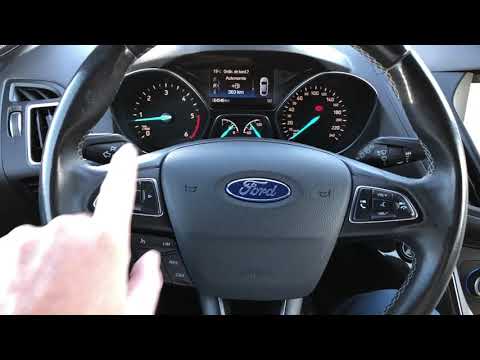
To reset the service light on a 2023 Ford Kuga, turn on the instrument cluster and press the menu button on the steering wheel. Hold the button for a…
Ford Kuga
(2020-2026 /
MK 3)
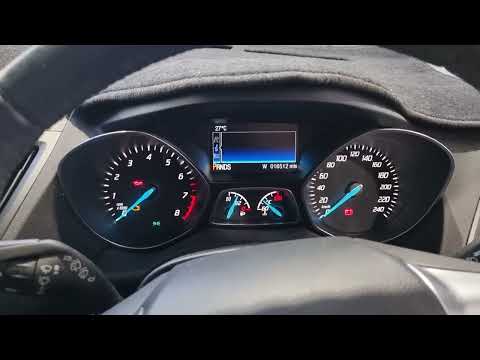
To reset the tyre light on a Ford Kuga, first adjust your tyres and then begin the reset. Start the reset by turning on the instrument cluster and pr…
Ford Kuga
(2012-2019 /
C520, MK 2)
The procedure to manually reset the service light on your 2015 Ford Kuga is quite simple and will be described in the following mini guide. First, pr…
Other guides you may be interested in
|
How to Remove the Headrests from a Fiat Panda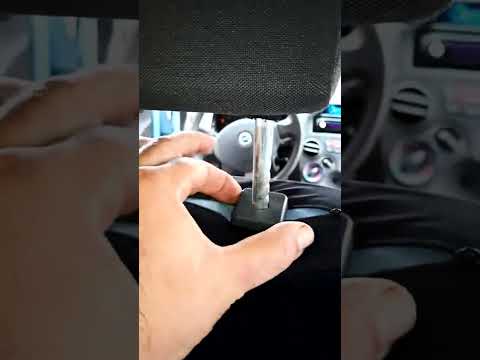
Below are the instructions to remove the headrests, both front and rear, from the Fiat Panda. First, get inside the vehicle and press and hold the side button located at the base of the headrest. Then, while holding the button, pull the headrest upwards to remove it, as shown in the video. At this point, perform the same operation on the other headrests. Now, simply insert them back in while holding the button, and finally adjust the height of all the headrests! by ScegliAuto More videos
|

|
For advertising on this site Write to info@scegliauto.com
ScegliAuto is not responsible for any inaccuracy of the data in the lists. To report any inaccuracy or your business (if you own the business in question), please write to info@scegliauto.com
Number of seconds to generate the page: 0.076
(c) ScegliAuto 2026 - info@scegliauto.com - Privacy policy VAT number: IT01247470535 |
