
|
Do it yourself
| |||
| ||||


How to Remove the Radio from the Ford Explorer
Model: Ford Explorer
U251, MK 4
- Years 2006-2010
To remove the radio, start by removing the automatic gear console. Remove the retaining pins and then, using a plastic trim tool, detach the plastic surround. Be careful to disconnect the power connectors present. You can now take off the plastic around the radio. Now unscrew the supporting screws. Pull out the radio and disconnect the power and antenna connectors at the back. You can now reuse the original console to insert the new radio and proceed with its installation by following the reverse procedure.
Updated on 8 May 2026 by ScegliAuto
Video tutorial
Related tutorials
Ford Explorer
(2011-2019 /
MK 5, U502)
If you want to disassemble the factory radio in your Ford Explorer Mk5 on your own, all you have to do is read the following guide and follow all the…
Ford Explorer
(2002-2005 /
U152, MK 3)
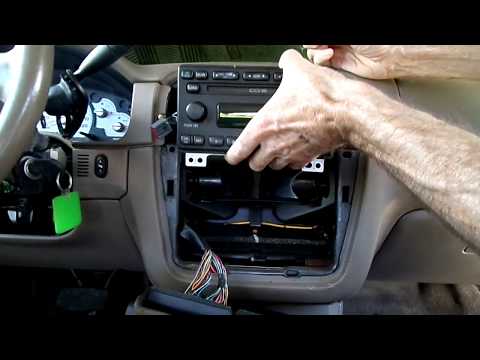
.. This guide shows how to remove the radio from the Ford Explorer Mk3. First, detach the finishing trim of the radio console.. …
Ford Explorer
(2011-2019 /
MK 5, U502)
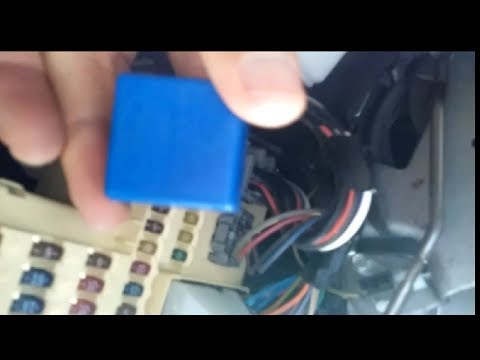
To replace the indicator relay of the Ford Explorer, detach the dashboard protection panel located just below the steering column. Once this panel is…
Other guides you may be interested in
|
How to Open a Stuck Boot on the Peugeot 407?
On the Peugeot 407, the boot may become stuck, possibly due to a problem with the control button or the lock actuator. In such cases, you can perform an emergency opening by following the simple procedure shown in this tutorial. First, open the rear doors, then lower the seat back by operating the release lever. Next, go inside the boot, locate the lock, and manually operate it using a flathead screwdriver. The boot will then be free to open. by ScegliAuto More videos
|
|
For advertising on this site Write to info@scegliauto.com
ScegliAuto is not responsible for any inaccuracy of the data in the lists. To report any inaccuracy or your business (if you own the business in question), please write to info@scegliauto.com
Number of seconds to generate the page: 0.406
(c) ScegliAuto 2026 - info@scegliauto.com - Privacy policy VAT number: IT01247470535 |
