
|
Do it yourself
| |||
| ||||


How to reset the oil service in the Ford F-350 pickup?
Model: Ford F-350
P558
- Years 2017-2023
In the Ford F-350 pick-up, after changing the oil and the relative filter, it is necessary to manually remove the relative warning light and reset the service, in this tutorial we can see how to proceed. First of all, insert the key and turn on the instrument panel, then scroll through the various screens on the display, enter the "Truck Info" section and select "Engine Information". At this point, as indicated on the display itself, we just have to press and hold the OK button to complete the procedure. Then we restart the panel and check that the operation was successful.
Posted on 16 March 2022 by ScegliAuto
Video tutorial
Related tutorials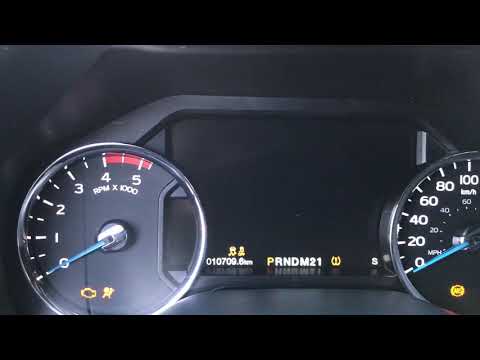
Ford F-350
(2017-2023 /
P558)
In this tutorial we can see how to reset the engine oil service in the Ford F-350 pick-up, a very simple operation. Before proceeding, let's make sur…
Ford F-350
(2017-2023 /
P558)
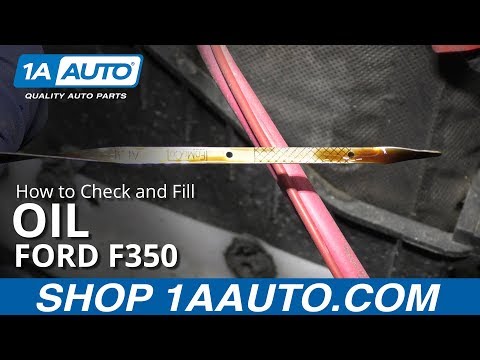
.. how to check the engine oil level in the Ford F-350 pickup. This is a very simple operation to repeat regularly, in order to make sure that the engine.. …

Ford F-350
(1999-2007 /
Phn131)
.. Replacing the air filter in the Ford F-350 pickup is very simple, let's see how to proceed in this tutorial. For this operation we only need.. …
Other guides you may be interested in
|
How to Open the Key Battery of a Volkswagen Golf 7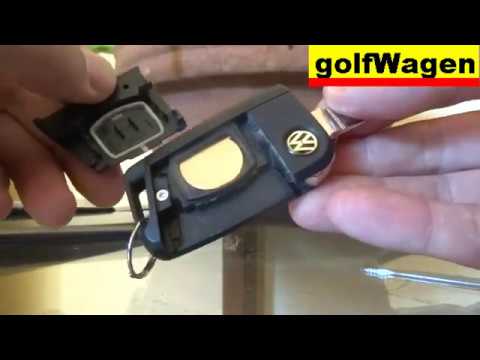
How do you open the key fob of a Volkswagen Golf Series 7? Take your key fob and press the release button of the metal key; once the metal key pops out, use a screwdriver to pry between the two halves of the key fob (in the space where the metal key fits). Pry until the cover opens, then extract the worn battery with a small screwdriver. Get a new battery of the same size and voltage. Join the two parts: press the key fob case until you hear it click into place. Check the proper functioning of the key fob by operating the buttons. by ScegliAuto More videos
|
|
For advertising on this site Write to info@scegliauto.com
ScegliAuto is not responsible for any inaccuracy of the data in the lists. To report any inaccuracy or your business (if you own the business in question), please write to info@scegliauto.com
Number of seconds to generate the page: 0.112
(c) ScegliAuto 2026 - info@scegliauto.com - Privacy policy VAT number: IT01247470535 |
