
|
Do it yourself
| |||
| ||||


Instrument Cluster Removal Instructions
Model: Ford Focus
MK 1
- Years 1998-2004
To remove the instrument cluster, start by disconnecting the battery, then unclip the airbag and remove the steering wheel; unscrew the screws along the top edge of the instrument cluster to detach the trim bezel, which also includes the rear bonnet release button (disconnect the corresponding connector); then unscrew the securing screws of the instrument cluster and pull it forward just enough to access the connectors and disconnect them (bayonet fitting): this will allow you to replace the backlighting bulbs; reverse the process for installation.
Updated on 13 February 2026 by ScegliAuto
Video tutorial
Related tutorials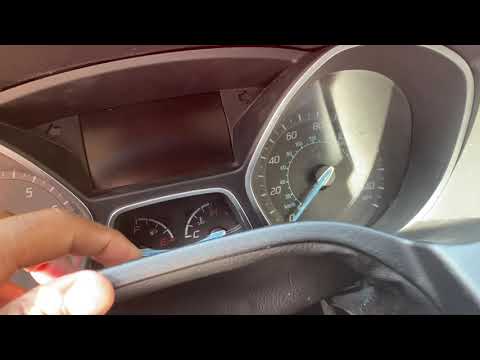
Ford Focus
(2011-2018 /
MK 3)
In today's video we will see how to disassemble the instrument cluster on a Ford Focus third series, following the instructions below. First of all w…
Ford Focus
(2011-2018 /
MK 3)
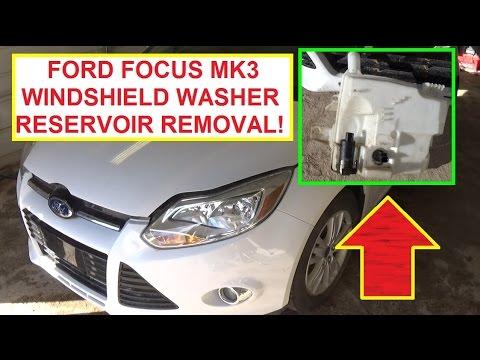
To remove the windscreen washer reservoir, first remove the front bumper to access the reservoir itself. Once the bumper is removed (refer to the rel…
Ford Focus
(2011-2018 /
MK 3)
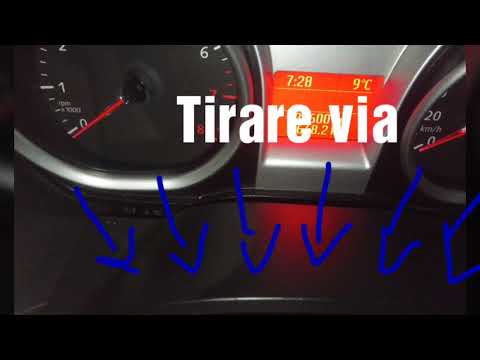
If the engine warning light illuminates on the dashboard, the first step is to read the fault memory in the engine management ECU. If no errors are d…
Other guides you may be interested in
|
How to Remove the Engine Air Filter on an Opel Astra Station Wagon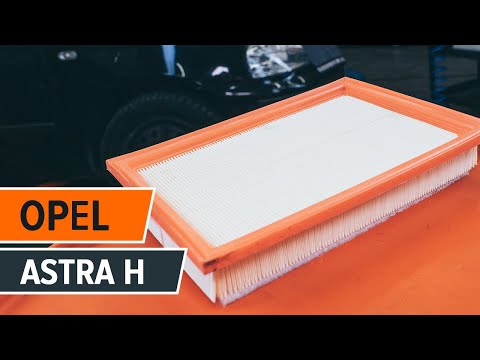
How do you remove the engine air filter on an Opel Astra Station Wagon? Follow this guide for the replacement. Open the car door and pull up the engine compartment release lever located at the bottom left of the dashboard, then lift the front bonnet and secure it. Use a screwdriver to remove the retaining bolt of the air intake hose clamp and the retaining bolts of the container box where the filter is located. Remove the dirty air filter and position a new one, ensuring it fits snugly against the walls of the box. Finally, refit the air box cover and tighten the screws. by ScegliAuto More videos
|
|
For advertising on this site Write to info@scegliauto.com
ScegliAuto is not responsible for any inaccuracy of the data in the lists. To report any inaccuracy or your business (if you own the business in question), please write to info@scegliauto.com
Number of seconds to generate the page: 0.099
(c) ScegliAuto 2026 - info@scegliauto.com - Privacy policy VAT number: IT01247470535 |
