
|
Do it yourself
| |||
| ||||


How to Reset the Ford C-Max Radio
Model: Ford C Max
MK 1
- Years 2003-2010
In today's video, see how to reset the 6000 CD radio. Turn on the radio by pressing the central dial. Press and hold buttons 1 and 6 on the keypad; when various information starts to appear and scroll, you can release the buttons. Among the information displayed will be the date, time, software version, and finally the serial numbers of the radio. These codes will be useful for performing the radio reset procedure; they will also be helpful if, for example, you disconnect the battery and need to recalibrate the radio's operation.
Updated on 15 June 2026 by ScegliAuto
Video tutorial
Related tutorials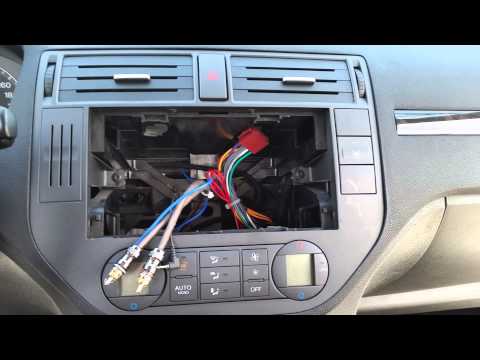
Ford C Max
(2003-2010 /
MK 1)
Removing the radio from a Ford C Max to install a new one? This is not too complicated; here's how to do it. Insert the keys into the slots at the co…
Ford C Max
(2010-2019 /
MK 2)
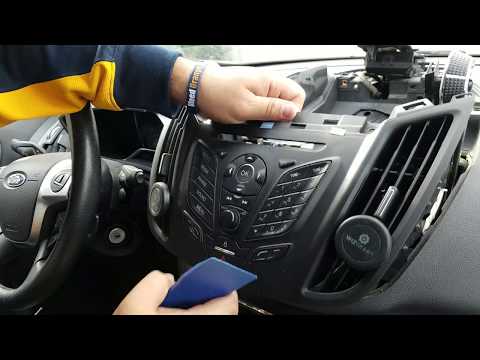
Do you want to remove the radio from your car but don't know how? Here’s how to take out the original stereo from a Ford C Max: Remove the upper trim…
Ford C Max
(2010-2019 /
MK 2)
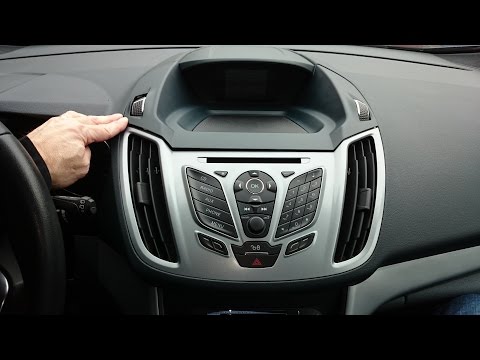
Is the radio in your Ford C-Max due for a change? Here’s how to remove it. Take a plastic lever to detach the trim around the central console, pullin…
Other guides you may be interested in
|
How to Open a Stuck Boot on the Peugeot 407?
On the Peugeot 407, the boot may become stuck, possibly due to a problem with the control button or the lock actuator. In such cases, you can perform an emergency opening by following the simple procedure shown in this tutorial. First, open the rear doors, then lower the seat back by operating the release lever. Next, go inside the boot, locate the lock, and manually operate it using a flathead screwdriver. The boot will then be free to open. by ScegliAuto More videos
|
For advertising on this site Write to info@scegliauto.com
ScegliAuto is not responsible for any inaccuracy of the data in the lists. To report any inaccuracy or your business (if you own the business in question), please write to info@scegliauto.com
Number of seconds to generate the page: 0.254
(c) ScegliAuto 2026 - info@scegliauto.com - Privacy policy VAT number: IT01247470535 |
