
|
Do it yourself
| |||
| ||||


Replacement of the Camshaft Oil Seal
Model: Ford Fiesta
Fiesta 4, Be91, MK 4, MK IV
- Years:
1996, 1997, 1998, 1999, 2000, 2001, 2002
Video tutorial
When disassembling the cylinder head and whenever gaskets and oil seals are removed, it is good practice to replace them all during reassembly. Before inserting the new oil seal into the camshaft housing, ensure there are no dirt residues or scratches on the housing that could compromise the seal's integrity. Lubricate both the housing and the oil seal with clean oil and insert it with the lip facing inward, pushing it fully home with the appropriate tool. Next, insert the key onto the shaft and the toothed pulley, aligning the timing marks before installing the timing belt.
Updated on 14 February 2026 by ScegliAuto
Related tutorials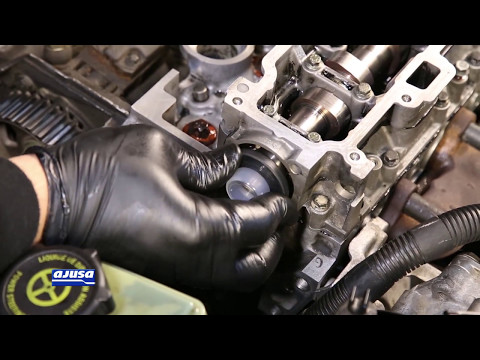
Ford Fiesta
(2002-2008 /
MK V, MK 5, Fiesta 5)
To replace the camshaft oil seal, it is necessary to remove the timing belt and the associated toothed pulley; then extract the old oil seal, thoroug…
Ford Fiesta
(2002-2008 /
MK V, MK 5, Fiesta 5)
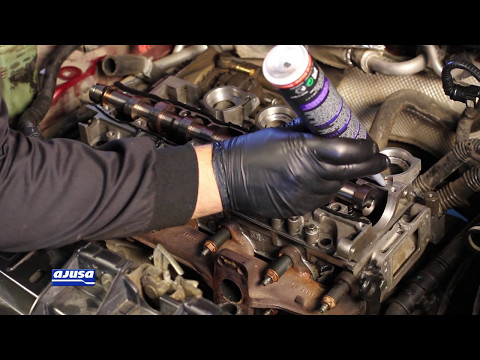
When replacing the camshaft, it is recommended to also install a new so-called pedestal, consisting of the spherical head pins and the valve push rod…
Ford Fiesta
(1996-2002 /
Fiesta 4, Be91, MK 4, MK IV)
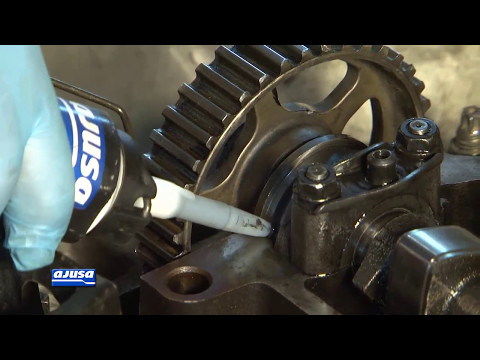
Before applying the new rocker cover gasket, clean the gasket seating thoroughly, both on the cylinder head side and the cover side, removing any dir…
Other guides you may be interested in
|
How to Remove the Toll Tag Holder from the Car Windscreen
The toll tag holder is usually attached to the car windscreen to ensure that the toll tag functions immediately when passing through barriers. However, if you decide to remove the holder, you should follow this procedure: - Insert the toll tag into the holder; - Pull the holder inwards to detach it from the windscreen; you can use a glass scraper or a stiff plastic card to assist you; After removing the holder, it is essential to remove the adhesive from the windscreen. To remove the adhesive, we recommend using a solvent-based spray that will remove the glue without clouding the area. by ScegliAuto More videos
|
|
For advertising on this site Write to info@scegliauto.com
ScegliAuto is not responsible for any inaccuracy of the data in the lists. To report any inaccuracy or your business (if you own the business in question), please write to info@scegliauto.com
Number of seconds to generate the page: 0.094
(c) ScegliAuto 2026 - info@scegliauto.com - Privacy policy VAT number: IT01247470535 |
