
|
Do it yourself
| |||
| ||||


How do you reset the Ford C-Max car radio?
Model: Ford C Max
MK 2
- Years 2010-2019
In order to reset the radio of the Ford C-Max, you need to open the hood so that you can access the fuse box located on the right side: this box must be opened in order to locate the fuse that controls the radio. This will be found in the area indicated in the tutorial and can be removed so that it can be inserted again: this will allow the radio to reset. To verify that the reset has been done correctly, you will need to insert the key in the ignition and turn on the dashboard.
Posted on 4 August 2024 by ScegliAuto
Video tutorial
Related tutorials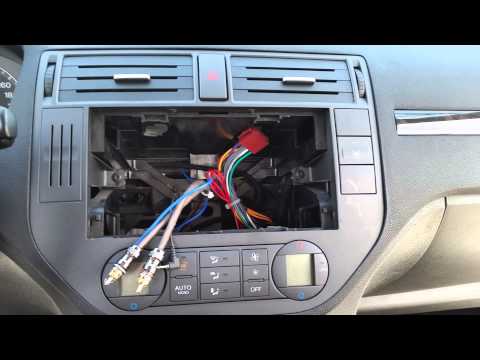
Ford C Max
(2003-2010 /
MK 1)
Remove the car radio of the Ford C Max to mount a new one? Operation not too complicated, let's see how to do it. We insert the keys into the slots i…

Ford C Max
(2003-2010 /
MK 1)
If we are dissatisfied with the quality of the audio system in the Ford C-Max, a first step to improve it is to replace the car radio with a model wi…
Ford C Max
(2003-2010 /
MK 1)
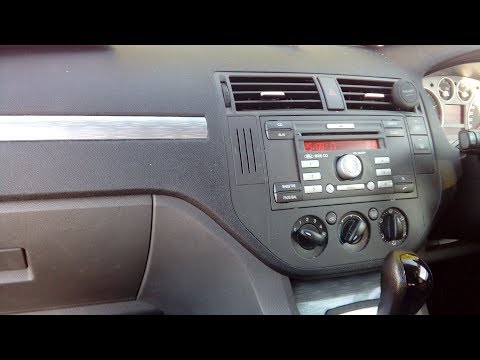
How do you remove the original radio on a Ford Focus C-Max? Carefully follow these steps in the video. Use the original or aftermarket metal keys to …
Other guides you may be interested in
|
Frequently Asked QuestionsHow to Remove the Window Regulator Motor from a Peugeot 106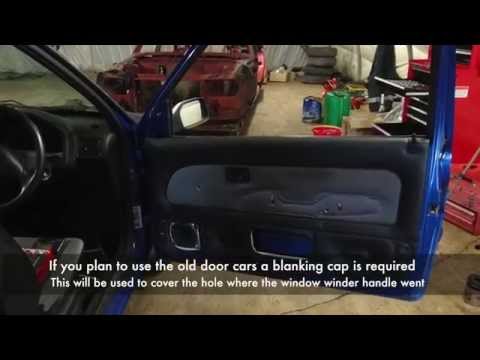
How do we remove the right door panel of a Peugeot 106? Let's see together in this video how to proceed. Use a lever to remove the plastic cover of the door handle, then, with a screwdriver, undo the securing screws on the plastic panel. Once all the screws are removed, detach the plastic clips that secure the door. Remove the window crank. With your hands, take off the door panel, disconnect any power connectors and release cable. Remove the window regulator motor inside the door by peeling off the adhesive protection. by ScegliAuto More videos
|
|
For advertising on this site Write to info@scegliauto.com
ScegliAuto is not responsible for any inaccuracy of the data in the lists. To report any inaccuracy or your business (if you own the business in question), please write to info@scegliauto.com
Number of seconds to generate the page: 0.172
(c) ScegliAuto 2026 - info@scegliauto.com - Privacy policy VAT number: IT01247470535 |
