
|
Do it yourself
| |||
| ||||


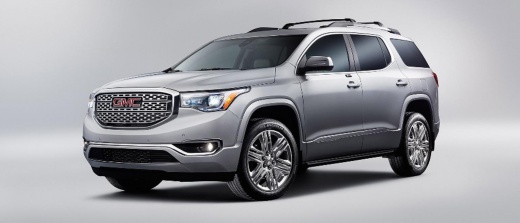
How to reset the engine oil light on a GMC Acadia.
Model: GMC Acadia
MK 2
- Years 2017-2024
In the video in question, we are shown how to perform the procedure to reset the engine oil light in a GMC Acadia car. The steps to be performed are very simple and of short duration. We get into the vehicle and turn on the dashboard without starting the car; at this point, we will use the button at the top of the display. We press the button several times to scroll through the menu options and select "oil life remaining"; we press the button again and this time we hold it down until we see the percentage next to the "oil life" writing reach 100%. The operation will be concluded in this way.
Posted on 8 June 2023 by ScegliAuto
Video tutorial
Related tutorials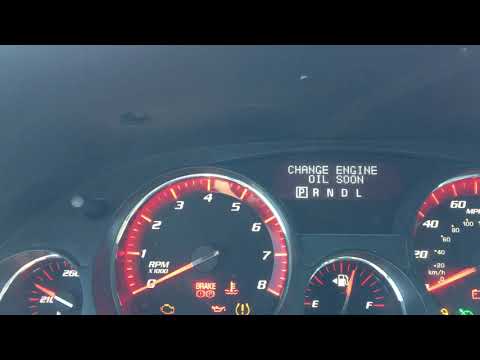
GMC Acadia
(2007-2016 /
MK 1)
Today we will explain how to reset the service light on the 2011 GMC Acadia. The steps to reset the "service" light are as follows: - Turn on the veh…
GMC Acadia
(2007-2016 /
MK 1)
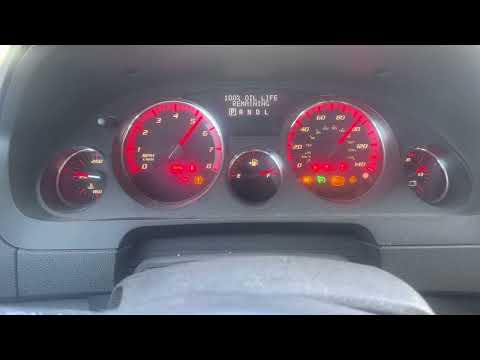
If you want to manually reset the oil warning light on your 2009 GMC Acadia, just read the following guide and put the various steps described into p…
GMC Acadia
(2017-2024 /
MK 2)
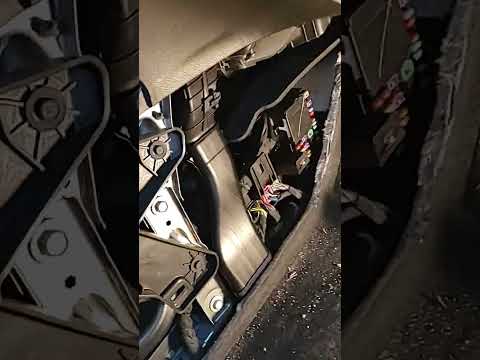
In this new guide dedicated to your GMC Acadia second series (year 2017) we will find out where the main fuse box is located. For safety reasons, bef…
Other guides you may be interested in
|
How to Remove the Front Headlight on Audi A4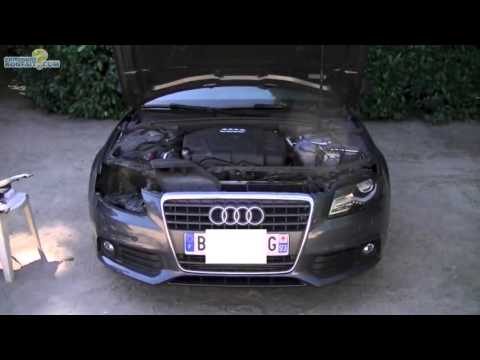
How do you remove the front headlight on an Audi A4? Follow this detailed guide: Pull the plastic lever located at the bottom left of the dashboard, then lift the hood and secure it. Get a socket wrench (with the appropriate inserts), remove the top part of the bumper cover, then unscrew the screws around the front headlight. Disconnect the power connectors and replace the damaged bulbs (same size and voltage). To reassemble, proceed in reverse. Finally, test the proper operation of the lights. by ScegliAuto More videos
|
|
For advertising on this site Write to info@scegliauto.com
ScegliAuto is not responsible for any inaccuracy of the data in the lists. To report any inaccuracy or your business (if you own the business in question), please write to info@scegliauto.com
Number of seconds to generate the page: 0.092
(c) ScegliAuto 2026 - info@scegliauto.com - Privacy policy VAT number: IT01247470535 |
