
|
Do it yourself
| |||
| ||||


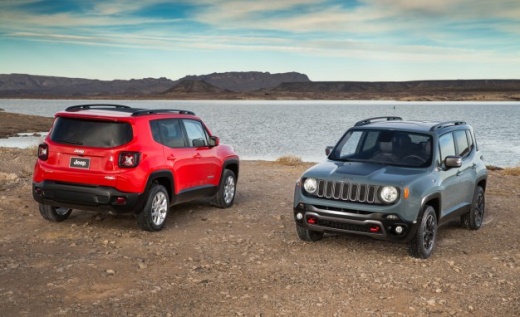
Replace Remote Key Battery for Jeep Renegade
Model: Jeep Renegade
MK 1, BU, 520
- Years:
2014, 2015, 2016, 2017, 2018, 2019, 2020, 2021, 2022, 2023, 2024, 2025
Video tutorial
To replace the battery in the remote key for the Jeep Renegade, use a fingernail rather than a knife to pry open the key, releasing the cover around the logo: "Jeep", taking care not to damage the retaining clips. Locate the battery (mod. CR 2032) and, using a knife, carefully pry it out of its seat. Take the new battery and position it, ensuring the correct orientation (positive terminal facing up). Reattach the cover to the key, then apply pressure with your fingers until you hear the "click" of the clips locking.
Updated on 13 May 2026 by ScegliAuto
Related tutorials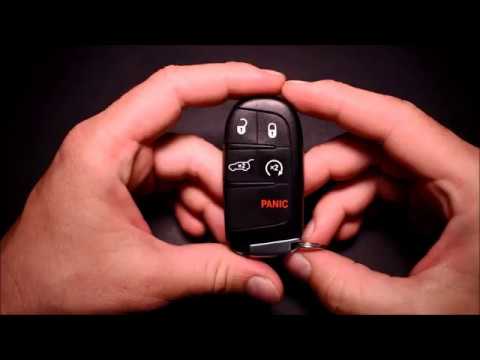
Jeep Renegade
(2014-2026 /
MK 1, BU, 520)
Is the remote key for the Jeep Renegade not working anymore? Let's try replacing the battery. Take your ignition key, pull out the metal key, and use…
Jeep Renegade
(2014-2021 /
)
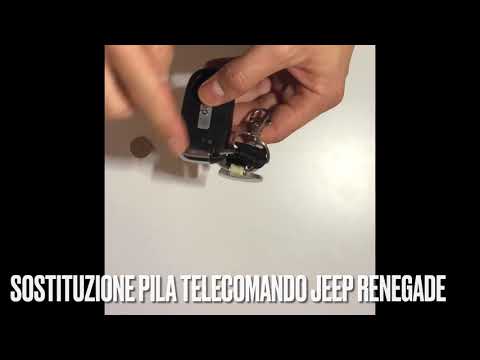
The video shows how to replace the battery in the key fob of a Jeep Renegade. This is a very simple operation that can be done in just a minute on yo…
Jeep Renegade
(2014-2026 /
MK 1, BU, 520)
This video shows how easy it is to remove the battery from the remote key for the Jeep Renegade. Simply insert a small flat screwdriver into the seam…
Other guides you may be interested in
|
How to Reset the Tyre Pressure Warning Light on the Jeep Renegade?
To reset the tyre pressure warning light on the Jeep Renegade, inflate the tyres until they reach the recommended pressure: this value is indicated on the sticker attached to the driver’s door pillar. Once the tyres are properly inflated, navigate through the menu that appears on the instrument cluster until you find the tyre pressure option. At this point, press and hold the OK button on the right side of the steering wheel to make the warning light disappear. by ScegliAuto More videos
|
|
For advertising on this site Write to info@scegliauto.com
ScegliAuto is not responsible for any inaccuracy of the data in the lists. To report any inaccuracy or your business (if you own the business in question), please write to info@scegliauto.com
Number of seconds to generate the page: 0.123
(c) ScegliAuto 2026 - info@scegliauto.com - Privacy policy VAT number: IT01247470535 |
