
|
Do it yourself
| |||
| ||||


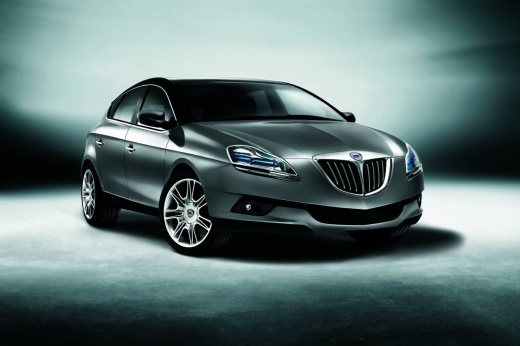
How to Remove Climate Control Controls on Lancia Delta
Model: Lancia Delta
MK 3
- Years:
2008, 2009, 2010, 2011, 2012, 2013, 2014
Video tutorial
Demonstration video on how to remove the climate control panel. In this example, we have a 2008 Lancia Delta, but the process is simpler on other vehicles. After removing the car radio (for this, refer to other videos), the air vents will detach simply by pulling them, as they are clipped in. At this point, remove the lower plastic around the gear lever (if you have an automatic gearbox, remember to disconnect the wiring). Now, without fear, pull off the rest of the plastic under the car radio. Disconnect the other two visible connectors and unscrew the last plastic frame present. Unscrew the final four screws and pull out the climate control/radio panel.
Updated on 10 April 2026 by ScegliAuto
Related tutorials
Lancia Delta
(2008-2014 /
MK 3)
In this video, you will see how to remove the silver panel that surrounds the steering wheel controls of a Lancia Delta. Get inside the vehicle: the …

Lancia Delta
(2008-2014 /
MK 3)
In this mini guide, discover where the fuse box containing all the various fuses in your Lancia Delta Mk3 is located. First, ensure the vehicle is tu…

Lancia Delta
(2008-2014 /
MK 3)
Removing the steering wheel of the Lancia Delta? Follow these steps to disassemble the airbag and steering wheel. Insert the removal key into the slo…
Other guides you may be interested in |
How to reset the tyre pressure warning light on the Kia Niro EV?
To reset the tyre pressure warning light on the Kia Niro EV, inflate the tyres until they reach the correct pressure value. This value is indicated on the sticker attached to the driver's door pillar. Once the tyres are inflated, turn on the instrument cluster to check that the warning light has completely disappeared from the display. If it is still present, you may need to drive for a few miles to ensure it disappears completely from the screen. by ScegliAuto More videos
|
|
For advertising on this site Write to info@scegliauto.com
ScegliAuto is not responsible for any inaccuracy of the data in the lists. To report any inaccuracy or your business (if you own the business in question), please write to info@scegliauto.com
Number of seconds to generate the page: 0.016
(c) ScegliAuto 2026 - info@scegliauto.com - Privacy policy VAT number: IT01247470535 |
