
|
Do it yourself
| |||
| ||||


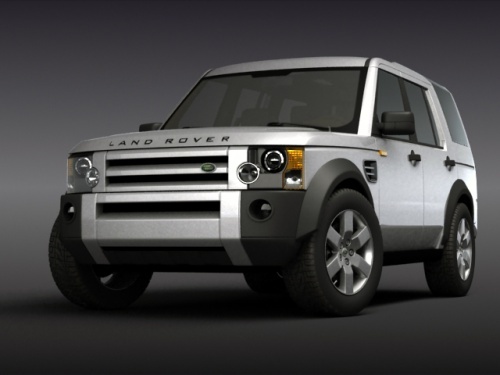
How to Remove the Rear Wiper Arm of a Land Rover Discovery 3
Model: Land Rover Discovery
MK 3, LR3, Discovery 3, L319
- Years 2004-2010
In this video, see how to remove the rear wiper arm of a Land Rover Discovery 3. Use a socket wrench to remove the center nut after taking off the plastic cap. Grip the wiper arm, gently pull as shown in the video (without breaking it), and slide it off the pivot. Install the new arm, tighten the nut with the wrench, and attach the new wiper blade. Finally, lower the arm onto the rear window and test the new wiper by pressing the button. Always prefer to install original parts for better durability and quality.
Updated on 28 February 2026 by ScegliAuto
Video tutorial
Related tutorials
Land Rover Discovery
(2017-2024 /
L462, Discovery 5, MK 5)
This may seem like a very simple task, yet many people have no idea how to do it. First, widen the two tabs as shown in the video, and remove the cap…
Land Rover Discovery
(1998-2004 /
MK 2, Discovery 2, L318)
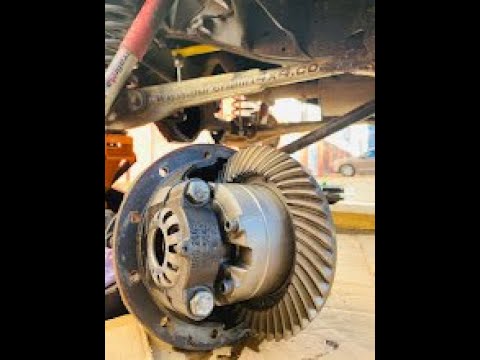
Today's guide will show you the main instructions on how to remove and replace the rear differential on a Land Rover Discovery. First, lift the vehic…
Land Rover Discovery
(1998-2004 /
MK 2, Discovery 2, L318)
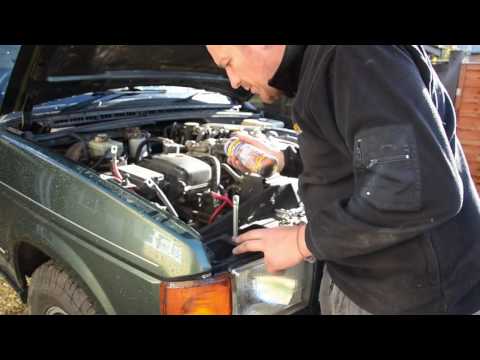
Removing the battery from a Land Rover Discovery? Open the hood and let's see how to remove the battery. Lift the front hood by releasing the latch w…
Other guides you may be interested in
|
How to Reset the Tyre Pressure Light on the Opel Grandland X
While driving, if you notice the tyre pressure warning light coming on, first check the actual inflation pressure of the tyres and, if necessary, restore the pressures recommended by the manufacturer. After restoring the correct pressures, you need to reset the warning light that has illuminated on the instrument cluster. To do this, locate the reset button on the lower central console. Press this button and hold it down for at least 3 seconds, after which the low pressure indication will turn off. by ScegliAuto More videos
|
|
For advertising on this site Write to info@scegliauto.com
ScegliAuto is not responsible for any inaccuracy of the data in the lists. To report any inaccuracy or your business (if you own the business in question), please write to info@scegliauto.com
Number of seconds to generate the page: 0.098
(c) ScegliAuto 2026 - info@scegliauto.com - Privacy policy VAT number: IT01247470535 |
