
|
Do it yourself
| |||
| ||||


How to Remove the Crankshaft Pulley from a Land Rover Discovery?
Model: Land Rover Discovery
L462, Discovery 5, MK 5
- Years 2017-2024
To replace the crankshaft pulley on a Land Rover Discovery, open the hood and loosen the bolt located at the front of the vehicle, between the engine and the front bumper. There is limited space in this area to extract the pulley and its pin, so proceed with caution. Once removed, take out the old bearing and replace it with a new one, inserting it into the designated housing. Now you can reinsert the pin and the new pulley, tightening the pin with a socket wrench.
Updated on 21 April 2026 by ScegliAuto
Video tutorial
Related tutorials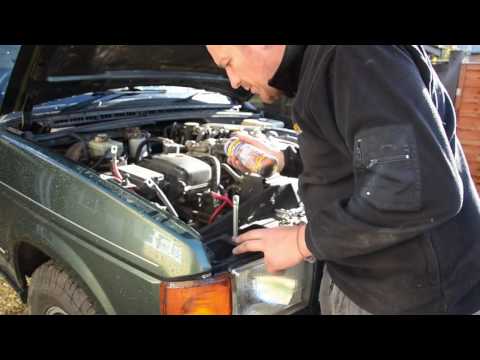
Land Rover Discovery
(1998-2004 /
MK 2, Discovery 2, L318)
Removing the battery from a Land Rover Discovery? Open the hood and let's see how to remove the battery. Lift the front hood by releasing the latch w…
Land Rover Discovery
(1998-2004 /
MK 2, Discovery 2, L318)
In this video tutorial, you will learn how to remove the interior headliner from a Land Rover Discovery. First, remove the grab handles by unscrewing…
Land Rover Discovery
(2010-2016 /
Discovery 4, MK 4, LR4)
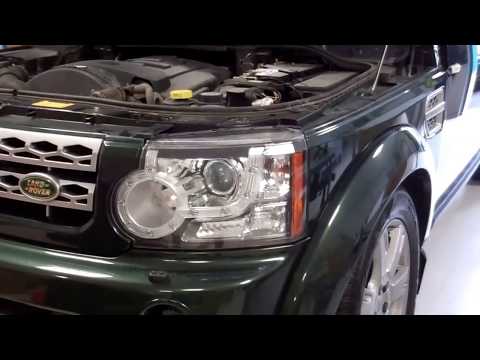
To remove the headlight from the Land Rover Discovery, lift the hood and remove the front grille: simply unclip the clips that hold it in place. You …
Other guides you may be interested in
|
How to Set the Clock on the Opel Zafira
Setting the clock to the current Italian time on an Opel Zafira model B is a very simple operation, also made easier by our short instructional video. The first step is to turn on the instrument panel and then press the SETTING button located on the central dashboard. Once inside the menu, use the buttons to navigate to the clock setting. Adjust the hours and minutes and restart the instrument panel. If the clock does not update, it may be necessary to diagnose the radio or the vehicle's control unit. by ScegliAuto More videos
|
|
For advertising on this site Write to info@scegliauto.com
ScegliAuto is not responsible for any inaccuracy of the data in the lists. To report any inaccuracy or your business (if you own the business in question), please write to info@scegliauto.com
Number of seconds to generate the page: 0.074
(c) ScegliAuto 2026 - info@scegliauto.com - Privacy policy VAT number: IT01247470535 |
