
|
Do it yourself
| |||
| ||||


How to Install the Tire Pressure Sensor on the Land Rover Range Rover
Model: Land Rover Range Rover
MK 2
- Years 2012-2021
Today, you will see in this brief guide the instructions to install or replace the Tire Pressure Monitoring System (TPMS) sensor on the Land Rover Range Rover, including the Sport version. First, remove the wheel by taking off the tire to access the tire pressure sensor; the sensor is located right behind the valve and indicates the exact air pressure between the tire and the rim. If it is not functioning, you can replace it with a new one; it must be compatible with your valve to proceed with the installation.
Updated on 24 August 2026 by ScegliAuto
Video tutorial
Related tutorials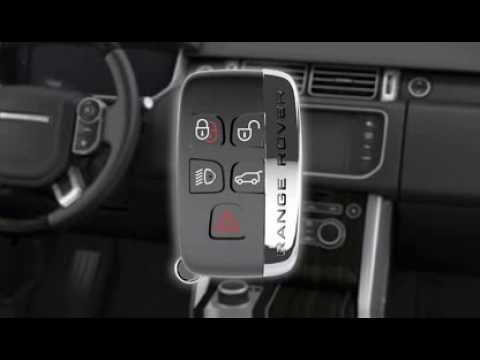
Land Rover Range Rover
(2012-2021 /
MK 2)
If the battery in the Smart Key of your Land Rover Range Rover Sport is dead, follow the attached video guide for step-by-step instructions on how to…
Land Rover Range Rover
(2012-2021 /
MK 2)
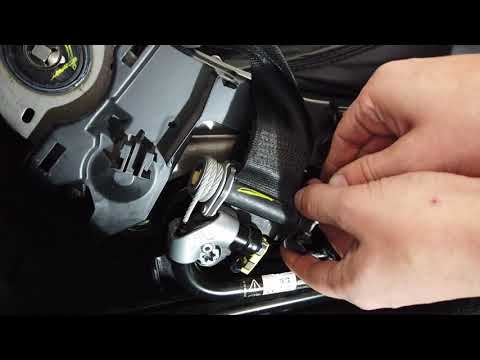
To remove the seat belt from a Land Rover Range Rover, first pry to detach the plastic trim located at the bottom of the seat belt reel. Once these t…

Land Rover Range Rover
(2002-2012 /
L322, MK 3)
The instructions in this guide will show us how to replace or install the front fog light bulbs of the Land Rover Range Rover. First of all, let's mo…
Other guides you may be interested in
|
How to Replace the Cabin Filter on the Opel Grandland X
If you own an Opel Grandland X and want to know the steps to replace the cabin air filter, carefully read the following guide and follow the described steps. First, enter the vehicle and go to the passenger side. Then, locate the box containing the air filter in the lower side area of the dashboard. Remove the cover of the box and finally replace the old filter with the new one. Refit the cover, and you are done. by ScegliAuto More videos
|

|
For advertising on this site Write to info@scegliauto.com
ScegliAuto is not responsible for any inaccuracy of the data in the lists. To report any inaccuracy or your business (if you own the business in question), please write to info@scegliauto.com
Number of seconds to generate the page: 0.154
(c) ScegliAuto 2026 - info@scegliauto.com - Privacy policy VAT number: IT01247470535 |
