
|
Do it yourself
| |||
| ||||


How to Replace the Radio in the Land Rover Freelander?
Model: Land Rover Freelander
Freelander 2
- Years 2006-2016
To replace the radio in the Land Rover Freelander, use a tool to lever it out from its housing: once the radio is extracted, disconnect all the connectors attached to the back of the device. The old unit can now be freed so that the new radio can be connected to the relevant connectors; it can then be secured in its housing with the appropriate screws. Finally, turn on the new radio to check that it functions correctly.
Updated on 13 September 2026 by ScegliAuto
Video tutorial
Related tutorials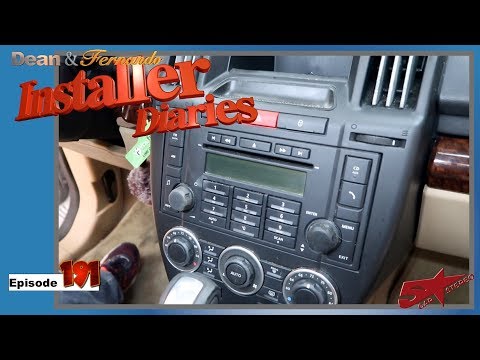
Land Rover Freelander
(2006-2016 /
Freelander 2)
How do you remove the original radio on a Land Rover Freelander 2? Carefully follow these steps for disassembly. Unscrew the screws on the centre con…
Land Rover Freelander
(2006-2016 /
Freelander 2)
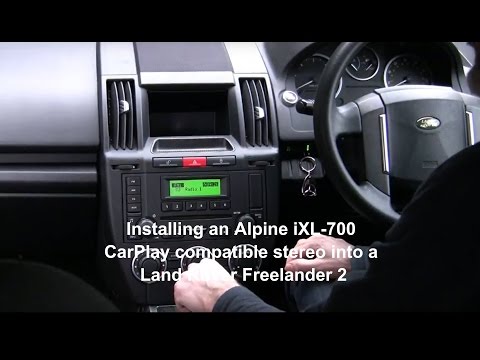
How do you remove the original radio to install a DVD player in a Land Rover Freelander 2? Follow these steps carefully. Use a screwdriver to remove …
Land Rover Freelander
(1997-2006 /
Freelander 1)
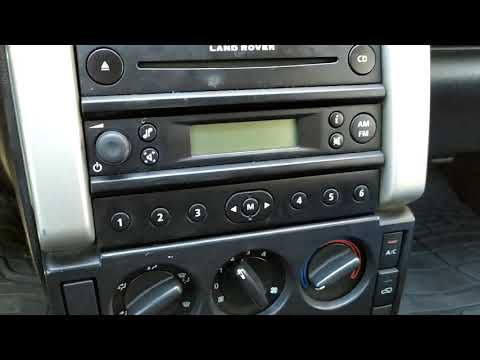
Before you can start, sit in the driver's seat of your Land Rover Freelander. Begin by unclipping and removing the cover located on the top of the ca…
Other guides you may be interested in
|
How to Replace the Cabin Filter on the Opel Grandland X
If you own an Opel Grandland X and want to know the steps to replace the cabin air filter, carefully read the following guide and follow the described steps. First, enter the vehicle and go to the passenger side. Then, locate the box containing the air filter in the lower side area of the dashboard. Remove the cover of the box and finally replace the old filter with the new one. Refit the cover, and you are done. by ScegliAuto More videos
|
|
For advertising on this site Write to info@scegliauto.com
ScegliAuto is not responsible for any inaccuracy of the data in the lists. To report any inaccuracy or your business (if you own the business in question), please write to info@scegliauto.com
Number of seconds to generate the page: 0.108
(c) ScegliAuto 2026 - info@scegliauto.com - Privacy policy VAT number: IT01247470535 |
