
|
Do it yourself
| |||
| ||||


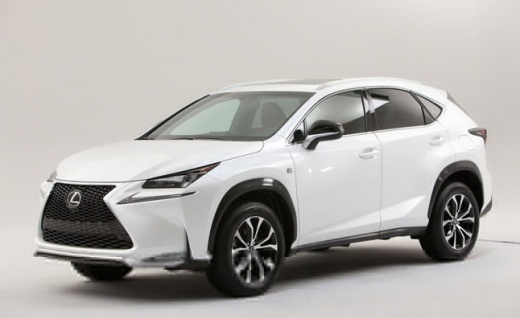
How to reset the tire pressure light in the Lexus NX?
Model: Lexus NX
MK 1
- Years:
2014, 2015, 2016, 2017, 2018, 2019, 2020, 2021
Video tutorial
In this tutorial we can see how to reset the tire pressure warning light in the Lexus NX, an extremely simple and quick operation, to be carried out only once the correct pressure of each tire has been restored following the instructions in the manual. First of all, let's go inside the cabin, then insert the key and turn on the instrument panel. Next, reach the settings menu using the directional controls on the steering wheel, select the "TPMS" option and reset by holding down the "OK" button. Finally, complete the procedure by restarting the vehicle.
Posted on 21 June 2025 by ScegliAuto
Related tutorials
Lexus NX
(2014-2021 /
MK 1)
In this tutorial, you will see how to reset the tyre warning light in a Lexus NX, a very simple and quick operation to perform only after restoring t…

Lexus NX
(2014-2021 /
MK 1)
Resetting the tyre warning light in the Lexus NX 200T, as shown in this tutorial, is a very simple and quick operation. Before proceeding, ensure you…
Lexus NX
(2014-2021 /
MK 1)
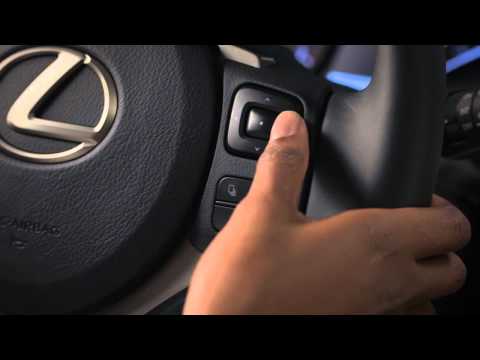
In this tutorial, see how to reset the tyre pressure warning light in a Lexus NX, an extremely simple and quick operation. Before proceeding, ensure …
Other guides you may be interested in
|
How to Reset the Tire Pressure Light on a MG ZS?
On the instrument cluster of the MG ZS, the tire pressure light that appears can be reset by inflating the tires to the correct pressure: this value will be indicated on the sticker attached to the driver's door pillar. Once the tires have been properly inflated, you can turn on the instrument cluster and navigate through the menu until you find the option that indicates tire pressure: if this screen shows the new values, the light will turn off; otherwise, you will need to drive for a few miles so that the sensors can read the new values and turn off the light afterward. by ScegliAuto More videos
|
|
For advertising on this site Write to info@scegliauto.com
ScegliAuto is not responsible for any inaccuracy of the data in the lists. To report any inaccuracy or your business (if you own the business in question), please write to info@scegliauto.com
Number of seconds to generate the page: 0.335
(c) ScegliAuto 2026 - info@scegliauto.com - Privacy policy VAT number: IT01247470535 |
