
|
Do it yourself
| |||
| ||||



Instructions for Changing the Screen Image
Model: Lexus IS
MK 2
- Years:
2005, 2006, 2007, 2008, 2009, 2010, 2011, 2012, 2013
This video is currently unavailable
To replace the background image of the onboard display, first select the desired image and upload it to a USB drive, ensuring that the storage folders are correctly created. Once the image is uploaded to the drive, connect it to the corresponding port on the vehicle's dashboard and start the selection process through the onboard computer. Select the setup button, then enter the menu to upload the image, select it, and copy it to the directory so that it can be displayed as the background image when starting the vehicle. This is a nice feature to personalise your car.
Updated on 17 February 2026 by ScegliAuto
Related tutorials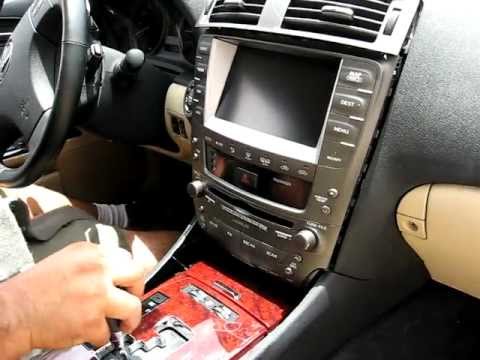
Lexus IS
(2005-2013 /
MK 2)
To remove the original car radio, first move the gear lever all the way back to facilitate the extraction process. Start by removing the aluminium tr…
Lexus IS
(2013-2024 /
MK 3)
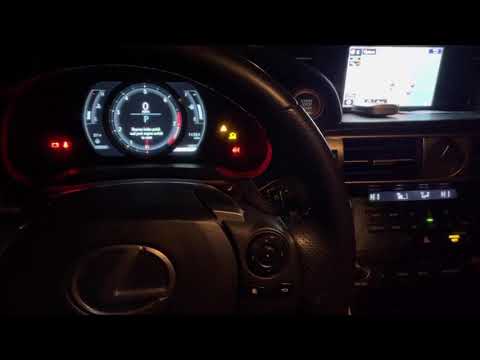
Turn on the instrument cluster without starting the engine (this is not necessary). Press the button located on the right side of your steering wheel…
Lexus IS
(2005-2013 /
MK 2)
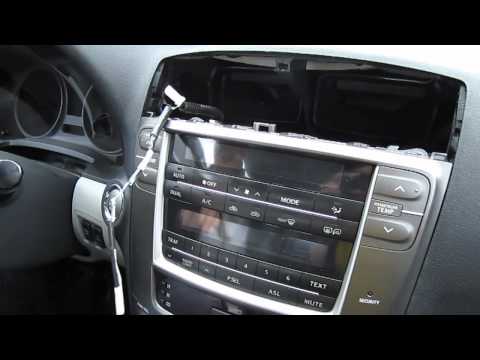
Refer to the images to understand how to install the module that connects the iPhone to the car radio. If you have an automatic gearbox, first unscre…
Other guides you may be interested in
|
How to Reset the Tyre Pressure Warning Light on the Jeep Renegade?
To reset the tyre pressure warning light on the Jeep Renegade, inflate the tyres until they reach the recommended pressure: this value is indicated on the sticker attached to the driver’s door pillar. Once the tyres are properly inflated, navigate through the menu that appears on the instrument cluster until you find the tyre pressure option. At this point, press and hold the OK button on the right side of the steering wheel to make the warning light disappear. by ScegliAuto More videos
|
|
For advertising on this site Write to info@scegliauto.com
ScegliAuto is not responsible for any inaccuracy of the data in the lists. To report any inaccuracy or your business (if you own the business in question), please write to info@scegliauto.com
Number of seconds to generate the page: 0.047
(c) ScegliAuto 2026 - info@scegliauto.com - Privacy policy VAT number: IT01247470535 |
