
|
Do it yourself
| |||
| ||||


How to change the background color of the dashboard of the Maxus G50
Model: Maxus G50
MK 1
- Years 2019-2026
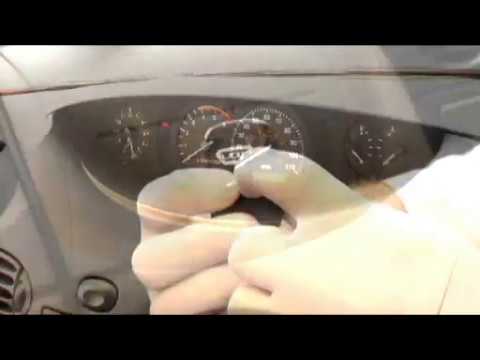
We will see below how to proceed to replace the light bulb on the control panel with a colored one. Locate the two dashboard fixing screws located in the central part of the dashboard. Then remove the plastic panel from the dashboard, also remove the screws fixing the cover (upper eyelid) of the control panel. Then unscrew the fixing screws of the control panel itself so that it can be pulled out. Disconnect the rear power terminals and locate the six bulbs that illuminate the panel. Rotate them one by one half a turn to disassemble them. Then take the new lamps and hook them up. Finally, reassemble all the components backwards.
Posted on 16 November 2022 by ScegliAuto
This video is currently unavailable
Related tutorials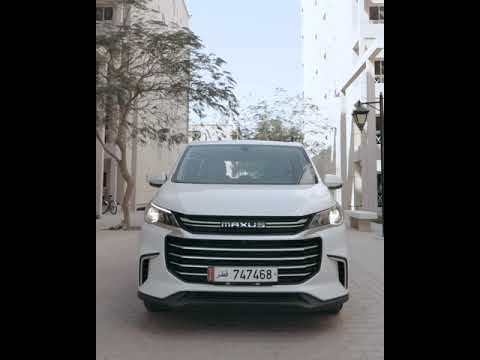
Maxus G50
(2019-2026 /
MK 1)
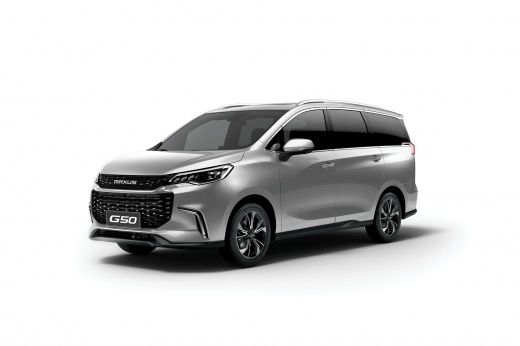
The Maxus G50 is a compact minivan launched in the Chinese automotive market in February 2019. The G50 is the second minivan under the Maxus brand af…
Maxus G50
(2019-2026 /
MK 1)
It is possible to duplicate the remote control key of the car using a specific program and connecting a PC to the car, in detail: open the applicatio…
Other guides you may be interested in
|
How to Replace the Key Battery of a Ford B Max
Replacing the remote key battery of the Ford B Max is very simple, and the same procedure can be repeated for other models from the same manufacturer that share the same key design; start by removing the back casing of the key, which bears the manufacturer's emblem: on the upper edges of the key, there are two elements that must be pressed simultaneously to release the cover; at this point, use the tip of a screwdriver to pry off and extract the remote section that houses the buttons to access the battery compartment and replace it. by ScegliAuto More videos
|
|
For advertising on this site Write to info@scegliauto.com
ScegliAuto is not responsible for any inaccuracy of the data in the lists. To report any inaccuracy or your business (if you own the business in question), please write to info@scegliauto.com
Number of seconds to generate the page: 0.078
(c) ScegliAuto 2026 - info@scegliauto.com - Privacy policy VAT number: IT01247470535 |
