
|
Do it yourself
| |||
| ||||


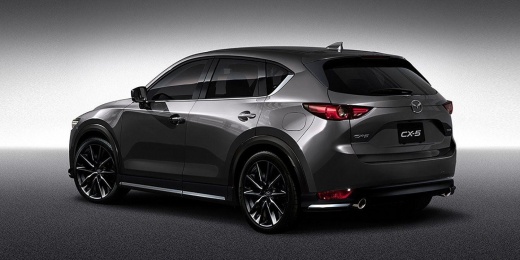
How to Replace Brake Pads on a Mazda CX-5 DIY
Model: Mazda CX-5
MK 2
- Years:
2017, 2018, 2019, 2020, 2021, 2022, 2023, 2024
Video tutorial
On the Mazda CX-5, the brake pad replacement is carried out with the vehicle stationary and securely supported. After loosening the wheel bolts and safely lifting the side you are working on, remove the wheel to access the caliper. Free the caliper by removing the guide screws/caps as shown, and lift it off the support to extract the worn pads. Using the appropriate tool, retract the piston smoothly; clean the seat and clips from dust and debris. Insert the new pads following the indicated direction and, if shown in the video, apply a thin layer of anti-noise product on the contact points or replace the clips. Refit the caliper by reassembling the bolts in the order shown. Replace the wheel, temporarily tighten the bolts, and repeat on the opposite side. Once finished, lower the vehicle, tighten the wheel bolts, and pump the pedal until it feels firm. Check for leaks and perform a gentle bedding-in of the brakes as recommended by the brake pad manufacturers.
Posted on 14 June 2026 by ScegliAuto
Related tutorials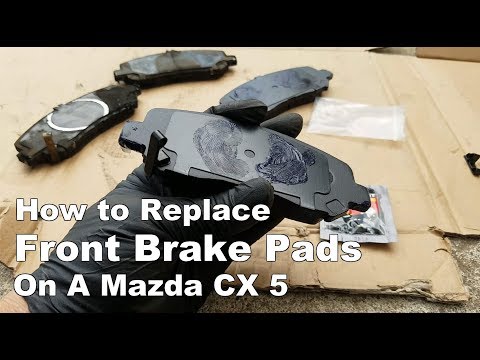
Mazda CX-5
(2012-2017 /
MK 1, KE)
This guide shows how to replace the front brake pads on a Mazda CX-5 Mk1. The first step is to loosen the wheel bolts on the side you are working on;…
Mazda CX-5
(2017-2024 /
MK 2)
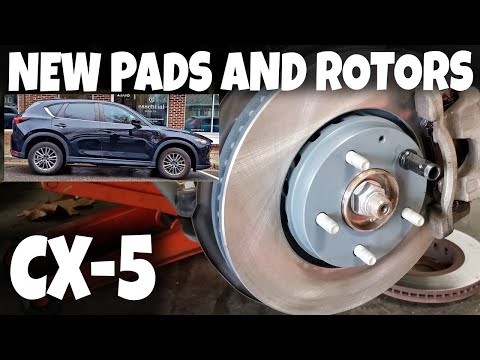
To replace the front brake pads on a Mazda CX-5, lift the car with a jack so that the wheel corresponding to the pads being replaced is off the groun…

Mazda CX-5
(2012-2017 /
MK 1, KE)
In today's article, you will learn how to replace the brake pads on the Mazda CX-5. For this operation, a 12mm socket is required. First, lift the ca…
Other guides you may be interested in
|
How to Open the Fuel Filler Flap in the Hyundai i30?
In this tutorial, you will learn how to open the fuel filler flap in the Hyundai i30, a very simple operation that follows the typical procedure of most vehicles. First, unlock the locks using the designated button on the remote, then open the driver's door, locate the release lever on the left side of the seat, and operate it. Next, move to the fuel filler flap, open it completely, unscrew the cap, and refuel as needed. To close the flap, simply press it gently. by ScegliAuto More videos
|
|
For advertising on this site Write to info@scegliauto.com
ScegliAuto is not responsible for any inaccuracy of the data in the lists. To report any inaccuracy or your business (if you own the business in question), please write to info@scegliauto.com
Number of seconds to generate the page: 0.049
(c) ScegliAuto 2026 - info@scegliauto.com - Privacy policy VAT number: IT01247470535 |
