
|
Do it yourself
| |||
| ||||



Installation of AUX IN Adapter
Model: Mazda 5
MK 1
- Years:
2005, 2006, 2007, 2008, 2009, 2010, 2011, 2012, 2013, 2014, 2015
Video tutorial
To install an AUX IN input to the original car radio, you need to remove it to connect the interface control unit and the cable. Start by removing the trim under the handbrake lever (including the cup holder and window switch buttons) and the one just below the gear lever; unscrew the gear knob and detach the trim around the lever. Unscrew the fastening screws of the central tunnel trim, also removing those hidden under the side caps to take off the trim. Then, pull the central console forward to remove the car radio as well: at this point, you can connect and position the kit's control unit with the cable that will be routed to place the AUX output in the desired position.
Updated on 7 February 2026 by ScegliAuto
Related tutorials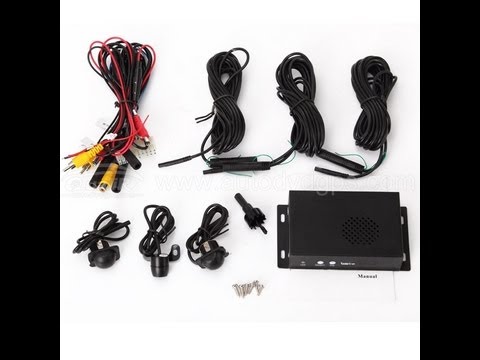
Mazda 5
(2005-2015 /
MK 1)
For better rear visibility, especially in blind spots, you can install cameras in the wing mirrors. For this operation, you need to obtain the camera…
Mazda 5
(2005-2015 /
MK 1)
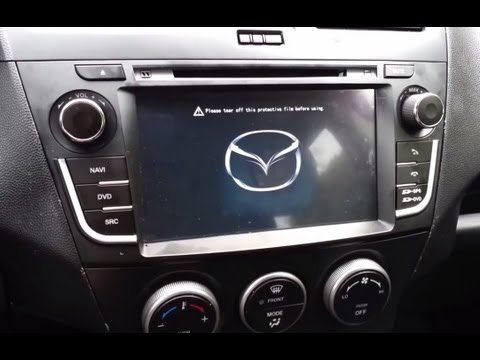
The tools needed for this series of operations are specific tools, partly plastic, available at spare parts shops. Obtain the necessary kit suitable …
Other guides you may be interested in
|
How to reset the tyre pressure warning light on the Dacia Sandero?
The tyre pressure warning light that appears on the instrument cluster of the Dacia Sandero can be reset by inflating the tyres until they reach the correct pressure value: this value is indicated on the sticker attached to the driver’s door pillar. Once the inflation is complete, navigate through the menu that appears on the instrument cluster to find the option related to the tyres: select this with the OK button, which should then be held down for a few seconds to completely turn off the light. by ScegliAuto More videos
|
|
For advertising on this site Write to info@scegliauto.com
ScegliAuto is not responsible for any inaccuracy of the data in the lists. To report any inaccuracy or your business (if you own the business in question), please write to info@scegliauto.com
Number of seconds to generate the page: 0.014
(c) ScegliAuto 2026 - info@scegliauto.com - Privacy policy VAT number: IT01247470535 |
