
|
Do it yourself
| |||
| ||||


Replace your Mazda Miata's brake switch in minutes
Model: Mazda Mazda Various
The electrical part of the car is among the most complex and vulnerable and very often we are faced with problems concerning the various switches. Among these we also find that of the brake light. In this case, however, maintenance is quite simple. Follow the steps below carefully. Remember to leave the car off for the entire duration of the procedure and to disconnect the negative pole of the battery. Place a flashlight on the pedals for better visibility. Unscrew the screws present and remove the entire plastic cover placed just below the steering wheel. At this point you have free access to many cables in the pedal area. Locate the brake switch and disconnect it from the connector. Replace it with a new model. Refit the plastic cover and finally reconnect the negative pole of the battery.
Posted on 6 January 2022 by ScegliAuto
Video tutorial
Related tutorials
Mazda Mazda Various
In this tutorial we can see how to replace the rear brake pads on the Mazda B3000 pick-up, a very simple and quick operation. First of all, park the …
Mazda Mazda Various
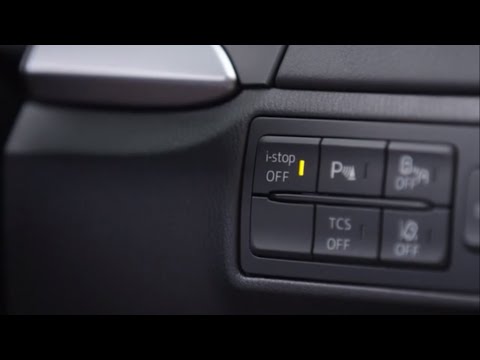
In this video, we can see how to deactivate the i-stop function on a Mazda. The i-stop function is the same as the "Start & Stop" function on other c…
Mazda Mazda Various
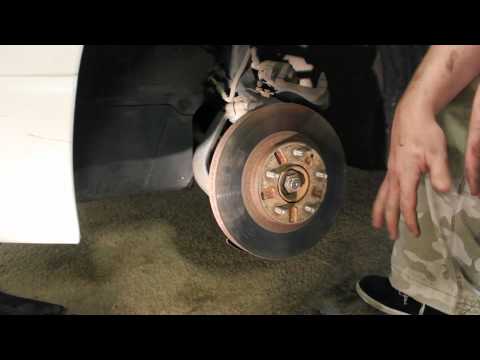
To replace the Mazda Millenia brake pads and discs, we lift the car, remove the front wheel, unscrew the 2 bolts that hold the brake caliper and move…
Other guides you may be interested in
|
How to Replace the Front Bumper of a Fiat Panda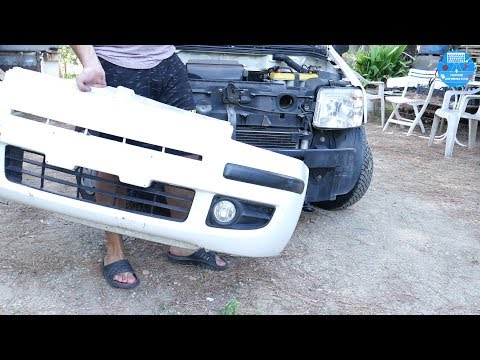
Start by releasing the bonnet from the latch to lift and secure it with the prop rod. This way, you can unscrew the screws securing the top part of the front bumper. Next, remove the screws securing the inner wing to the rear part of the bumper. Now, unscrew the screws anchoring the bottom part of the bumper to the lower body of the vehicle. Finally, extract the bumper and reverse the steps described for reassembling the various components. by ScegliAuto More videos
|
|
For advertising on this site Write to info@scegliauto.com
ScegliAuto is not responsible for any inaccuracy of the data in the lists. To report any inaccuracy or your business (if you own the business in question), please write to info@scegliauto.com
Number of seconds to generate the page: 0.084
(c) ScegliAuto 2026 - info@scegliauto.com - Privacy policy VAT number: IT01247470535 |
