
|
Do it yourself
| |||
| ||||


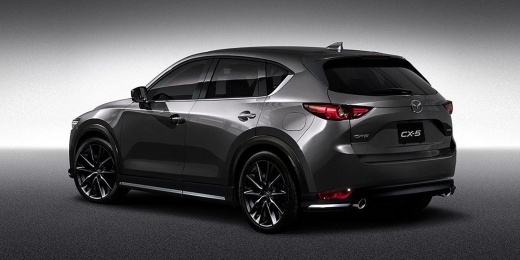
How to Reset the Service Light on a Mazda CX-5
Model: Mazda CX-5
MK 2
- Years:
2017, 2018, 2019, 2020, 2021, 2022, 2023, 2024
Video tutorial
In this tutorial video, you can see how to reset the service light on a Mazda CX-5 by following a few simple steps that will guide you to properly manage your vehicle. First, perform maintenance such as changing the engine oil and filters. Next, get into the driver's side of the vehicle, press the button twice, and turn on the ignition. The display will show an orange service key symbol. Now, using the knob on the central panel, navigate to "Applications" and press OK. You will see the message "MONITOR VEHICLE STATUS"; press OK and go to MAINTENANCE, then press OK. Next, go to OIL CHANGE and press OK until the message appears: Reset oil change reminder? Then press RESET.
Updated on 20 June 2026 by ScegliAuto
Related tutorials
Mazda CX-5
(2017-2024 /
MK 2)
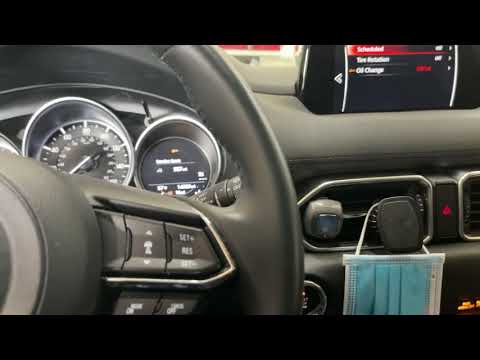
In today's tutorial video, see how to reset the maintenance light on a Mazda CX-5, second generation model produced from 2017 to 2024. Start the proc…
Mazda CX-5
(2012-2017 /
MK 1, KE)
Resetting the oil light on the 2020 Mazda CX-5 is very simple. First, switch on the vehicle's ignition and the onboard computer. Next, press the butt…
Mazda CX-5
(2017-2024 /
MK 2)
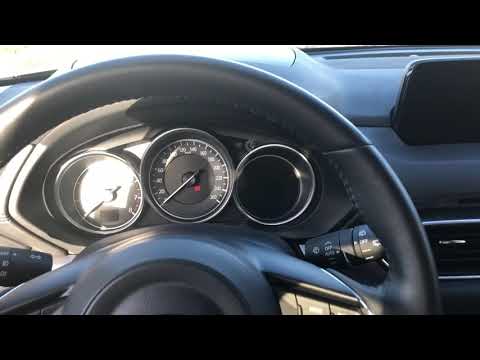
To reset the Service light on the Mazda CX-5, turn on the instrument cluster to access the menu on the central display of the dashboard. Navigate thr…
Other guides you may be interested in
|
How to Open the Bonnet on the Mitsubishi L200?
In this tutorial, you will see how to open the bonnet on the Mitsubishi L200, a very simple operation that follows the standard procedure. First, open the vehicle and go to the driver's side, then locate the lever at the lower outer area, just in front of the pedals, and pull it. Next, position yourself in front of the bonnet, locate the second lever above the Mitsubishi logo, and push it to the right, releasing the latch. At this point, you can fully lift the bonnet and secure it with the prop rod. by ScegliAuto More videos
|
|
For advertising on this site Write to info@scegliauto.com
ScegliAuto is not responsible for any inaccuracy of the data in the lists. To report any inaccuracy or your business (if you own the business in question), please write to info@scegliauto.com
Number of seconds to generate the page: 0.113
(c) ScegliAuto 2026 - info@scegliauto.com - Privacy policy VAT number: IT01247470535 |
