
|
Do it yourself
| |||
| ||||



Installation of Aftermarket Xenon Headlight Kit
Model: Mercedes Classe C
W204
- Years:
2007, 2008, 2009, 2010, 2011, 2012, 2013
Video tutorial
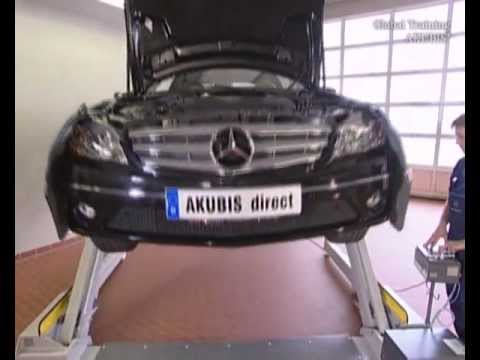
To facilitate the installation, lift the vehicle on a jack (consider using a jack stand), remove the wheel, and detach the wheel well by removing both the retaining clips along the edge of the fender and the screws inside the fender and under the bumper. Then, apply double-sided tape to one side of the Xenon kit control unit and secure it to the metal crossmember just below the headlight using zip ties. Next, from the engine compartment, remove the protective cap of the bulb holder from behind the headlight: grind down the reinforcing rib behind the cap, drill a hole about 20 mm (with a hole saw or drill bit), and insert the wiring harness for the bulb, ensuring the seal fits correctly into the newly drilled hole. Then, release the retaining clip of the original bulb and replace it with the one from the kit, reapplying the cap and connecting the plugs to the corresponding control unit. Repeat the same steps for the other headlight and complete the electrical connections as per the attached diagram. Finally, reassemble the wheel well and wheel, and check the operation of the newly installed kit.
Updated on 3 February 2026 by ScegliAuto
Related tutorials
Mercedes Classe C
(2007-2013 /
W204)
In this tutorial, you will see how to replace the Bi-Xenon bulbs in the Mercedes C-Class, a very simple and quick operation. Before proceeding, ensur…

Mercedes Classe C
(2007-2013 /
W204)
For this operation, you need to obtain the lamp conversion kit. You will require: a needle-nose pliers, a hand drill, and a hole saw. Open the hood a…
Mercedes Classe C
(2007-2013 /
W204)
To give your Mercedes a more modern look, you can install LED daytime running lights in the lower area of the bumper, where the honeycomb grille is l…
ScegliAuto offers an extensive international collection of automotive tutorials available in 12 languages. Each guide combines instructional videos with original explanations written by experienced human editors, along with information about the car models covered.
Other guides you may be interested in
|
How to Reset the Tyre Pressure Warning Light in the Suzuki Swift?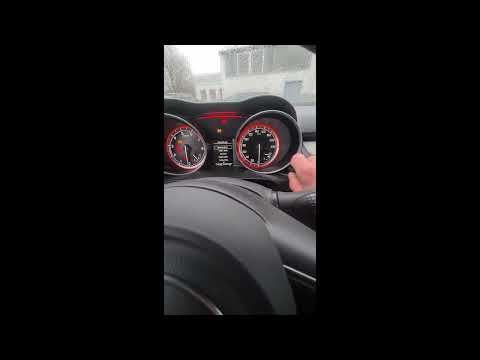
To reset the tyre pressure warning light in the Suzuki Swift, turn on the ignition, then navigate through the menu using the button located on the right side: this button should be rotated to locate the options displayed. You will need to select the option indicating tyre pressure and then select the "Reset" option: this way, the sensors will read the new tyre pressure values. If the tyres have been inflated to the correct pressure, the light will turn off automatically. by ScegliAuto More videos
|
|
For advertising on this site Write to info@scegliauto.com
ScegliAuto is not responsible for any inaccuracy of the data in the lists. To report any inaccuracy or your business (if you own the business in question), please write to info@scegliauto.com
Number of seconds to generate the page: 0.040
(c) ScegliAuto 2026 - info@scegliauto.com - Privacy policy - About us VAT number: IT01247470535 |
