
|
Do it yourself
| |||
| ||||


How to Remove the Fuel Pump from a Mercedes ML
Model: Mercedes Classe M
W164
- Years 2005-2011
How to remove the fuel pump from a Mercedes ML. Start by disconnecting the battery cables, then remove the rear seat cushions; unscrew the fastening screws of the metal cap with a socket wrench and remove it from its seat. Wrap the entire perimeter of the metal plate with absorbent paper or cloth, then unscrew the fastening pin of the pump and disconnect the power connectors and the liquid circulation hoses. Finally, extract the fuel pump from the tank. To reassemble, proceed in reverse order.
Updated on 4 March 2026 by ScegliAuto
Video tutorial
Related tutorials
Mercedes Classe M
(1997-2005 /
W163)
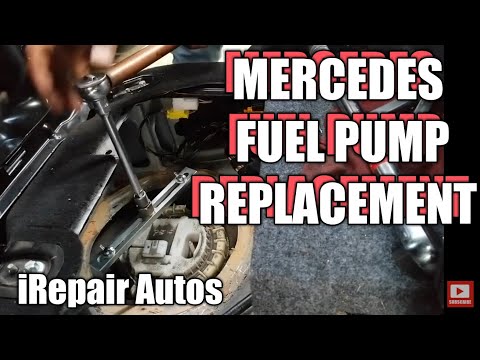
Remove the battery cables first. Then, take out the rear seat cushions of the car. You will find a metal cover with screws that need to be removed. U…
Mercedes Classe M
(1997-2005 /
W163)
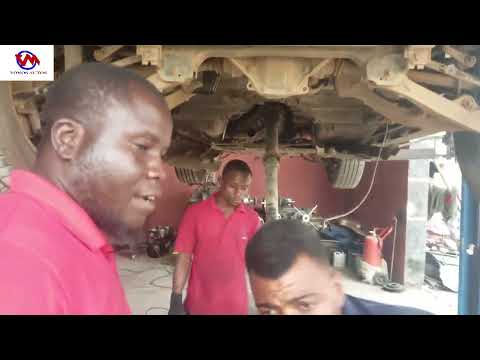
Before you begin, disconnect the battery of your Mercedes M-Class to work safely. Start by lifting the lower section of the front passenger seat to a…
Mercedes Classe M
(2011-2018 /
W166)
The replacement of the fuel pump on the Mercedes ML involves removing the tank; it is therefore necessary to lift the vehicle and proceed with the re…
Other guides you may be interested in
|
Fuses Location and Diagram for the Volkswagen Crafter
In this guide, we will look at the location of the fuse boxes and how to find their diagram for the Volkswagen Crafter. First, get inside the vehicle and start by removing the plastic cover found under the steering wheel, to access the internal fuse box; you will find another fuse box in the engine compartment by removing the plastic cover located next to the battery. At this point, use the owner's manual to find the fuse diagram, which will allow you to identify and replace any blown fuses with new ones! by ScegliAuto More videos
|

|
For advertising on this site Write to info@scegliauto.com
ScegliAuto is not responsible for any inaccuracy of the data in the lists. To report any inaccuracy or your business (if you own the business in question), please write to info@scegliauto.com
Number of seconds to generate the page: 0.146
(c) ScegliAuto 2026 - info@scegliauto.com - Privacy policy VAT number: IT01247470535 |
