
|
Do it yourself
| |||
| ||||


How do you reset the Service light in the Mercedes C-Class?
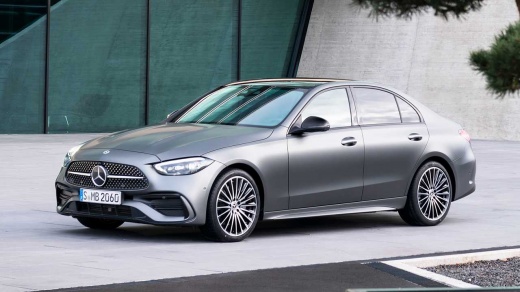
Model: Mercedes Classe C
W206
- Years 2021-2026
Here is a short video tutorial available, specifically dedicated to resetting the service light on the Mercedes C-Class. It is wrong to think that this warning only refers to changing the engine oil, you should consult the maintenance schedule drawn up by the manufacturer to verify all the interventions planned at each mileage interval reached. Once the maintenance interventions are completed, here is what needs to be done: turn on the instrument panel, use the buttons on the right lever of the steering wheel to access the Settings and scroll through the options until you reach Assyst Plus, Full Service, Confirm Service. Light reset.
Posted on 30 October 2025 by ScegliAuto
Video tutorial
Related tutorials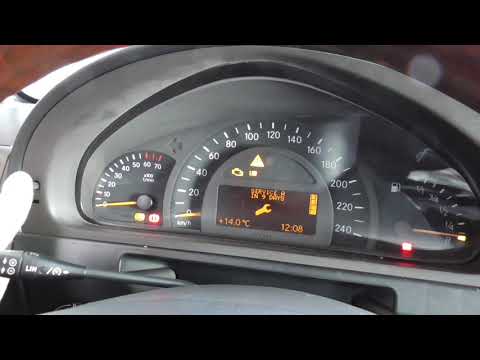
Mercedes Classe C
(2000-2007 /
W203)
.. To reset the Service light on the Mercedes C-Class, turn on the ignition by turning the key in the ignition switch. Once the instrument panel is on,.. …
Mercedes Classe C
(2007-2013 /
W204)
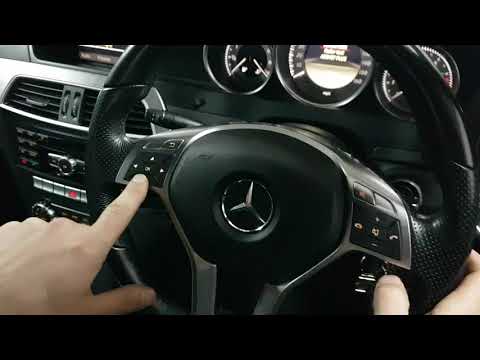
.. The service light on a Mercedes-Benz C-Class vehicle turns on when it is time to perform the required maintenance service. Basic maintenance.. …
Mercedes Classe C
(2007-2013 /
W204)
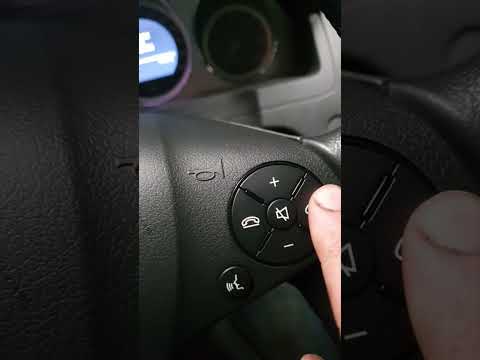
.. the "Service" light on your Mercedes-Benz C-Class. Start by turning on the vehicle and checking that the "Service" indicator is visible on the display... …
Other guides you may be interested in
|
How to Adjust the Handbrake on a BMW 1 Series?
To adjust the handbrake on a BMW 1 Series, use a tool to pry off the leather cover that wraps around the base of the handbrake lever. Once this cover is removed, you will be able to locate the spring that regulates the handbrake tension. At this point, adjust the nut located at the base of the spring: tightening the nut will make the handbrake firmer and reduce the lever's travel. Conversely, loosening the nut will decrease the handbrake's firmness and increase the lever's travel. by ScegliAuto More videos
|
|
For advertising on this site Write to info@scegliauto.com
ScegliAuto is not responsible for any inaccuracy of the data in the lists. To report any inaccuracy or your business (if you own the business in question), please write to info@scegliauto.com
Number of seconds to generate the page: 0.507
(c) ScegliAuto 2026 - info@scegliauto.com - Privacy policy VAT number: IT01247470535 |
