
|
Do it yourself
| |||
| ||||


Instructions for Removing the MAF Sensor
Model: Mercedes Classe M
W163
- Years:
1997, 1998, 1999, 2000, 2001, 2002, 2003, 2004, 2005
Video tutorial
If the engine shows a loss of power and performance issues, it is very likely due to a malfunctioning MAF sensor: this sensor provides the engine management unit with information regarding the amount of air drawn into the engine, based on which the unit manages fuel injection. It is clear that if this sensor provides incorrect information to the unit, the engine cannot operate smoothly. The sensor is located just after the air filter box, and to remove it, simply unclip the filter cover, disconnect the plug, and remove the clip that secures it to the intake duct.
Updated on 19 February 2026 by ScegliAuto
Related tutorials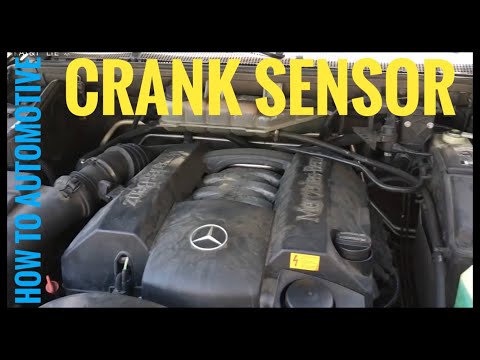
Mercedes Classe M
(2005-2011 /
W164)
Today, you will see the steps necessary to remove and replace the crankshaft position sensor on a Mercedes ML. First, open the bonnet of your car and…
Mercedes Classe M
(2011-2018 /
W166)
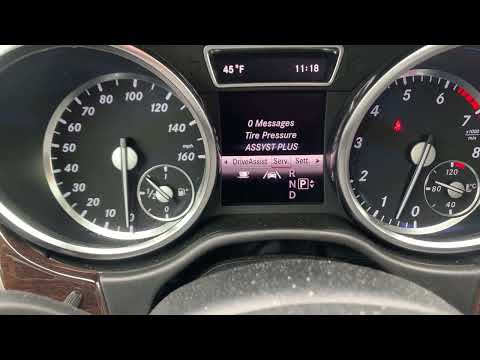
In this short video, you will discover the instructions to reset the tyre pressure light and calibrate the TPMS sensor on a Mercedes M-Class. Before …

Mercedes Classe M
(1997-2005 /
W163)
This video demonstrates how to remove and clean the mass air flow sensor. First, locate the sensor and disconnect the connector attached to it, then …
Other guides you may be interested in
|
How to reset the tyre pressure warning light on the Kia Niro EV?
To reset the tyre pressure warning light on the Kia Niro EV, inflate the tyres until they reach the correct pressure value. This value is indicated on the sticker attached to the driver's door pillar. Once the tyres are inflated, turn on the instrument cluster to check that the warning light has completely disappeared from the display. If it is still present, you may need to drive for a few miles to ensure it disappears completely from the screen. by ScegliAuto More videos
|
|
For advertising on this site Write to info@scegliauto.com
ScegliAuto is not responsible for any inaccuracy of the data in the lists. To report any inaccuracy or your business (if you own the business in question), please write to info@scegliauto.com
Number of seconds to generate the page: 0.046
(c) ScegliAuto 2026 - info@scegliauto.com - Privacy policy VAT number: IT01247470535 |
