
|
Do it yourself
| |||
| ||||


Replacing MAP Sensor P0106
Model: Mercedes Classe E
W211
- Years 2002-2009
Open the hood of the engine compartment and lift the cover corresponding to the position of the MAP sensor. Locate the sensor and disconnect the wires. Using the appropriate wrench, unscrew the bolt that holds it in place. Once free, gently bend it towards you and, also gently, pull out the small diameter pump connected to the sensor. Once extracted, read the data identifying the sensor and purchase the new part. To install the new sensor, perform the same steps in reverse. This completes this simple task. The car is a Mercedes E-Class.
Updated on 19 February 2026 by ScegliAuto
Video tutorial
Related tutorials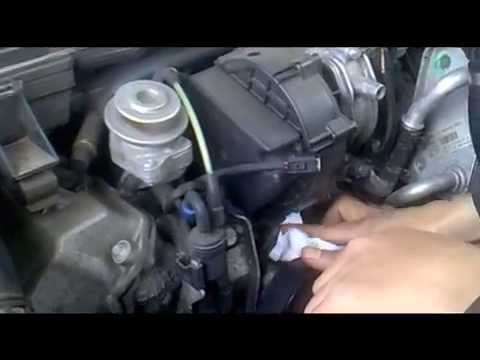
Mercedes Classe E
(2002-2009 /
W211)
Open the hood and disconnect the negative terminal of the battery for safety. The sensor is located on the engine block near the water pump. Remove t…
Mercedes Classe E
(2002-2009 /
W211)
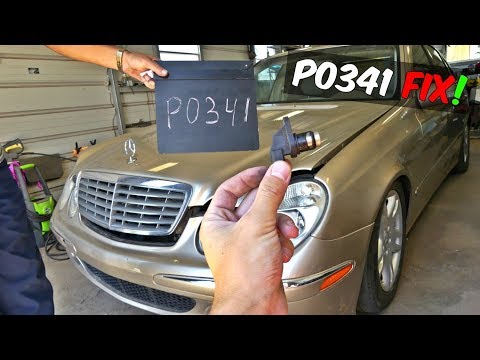
If the engine does not start and the check engine light illuminates on the dashboard, check the trouble codes in the engine control unit: the diagnos…
Mercedes Classe E
(2002-2009 /
W211)
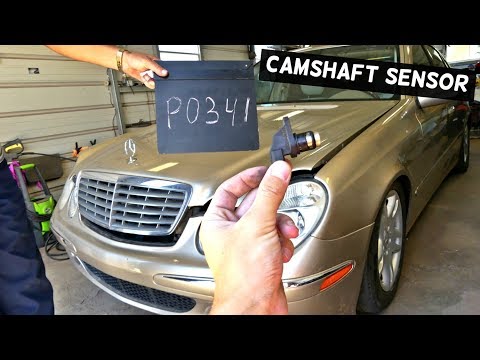
If the engine struggles to start, especially when hot, and the warning light comes on, begin by checking the trouble codes in the engine management c…
Other guides you may be interested in
|
How to Reset the Tyre Pressure Light on the Opel Grandland X
While driving, if you notice the tyre pressure warning light coming on, first check the actual inflation pressure of the tyres and, if necessary, restore the pressures recommended by the manufacturer. After restoring the correct pressures, you need to reset the warning light that has illuminated on the instrument cluster. To do this, locate the reset button on the lower central console. Press this button and hold it down for at least 3 seconds, after which the low pressure indication will turn off. by ScegliAuto More videos
|
|
For advertising on this site Write to info@scegliauto.com
ScegliAuto is not responsible for any inaccuracy of the data in the lists. To report any inaccuracy or your business (if you own the business in question), please write to info@scegliauto.com
Number of seconds to generate the page: 0.065
(c) ScegliAuto 2026 - info@scegliauto.com - Privacy policy VAT number: IT01247470535 |
