
|
Do it yourself
| |||
| ||||


Replacing the Remote Battery on a Mitsubishi Pajero
Model: Mitsubishi Pajero
MK 4, V80
- Years 2006-2021
Using a small flathead screwdriver, pry in the gap and remove the remote cover. Remove the two small covers, noting how they were inserted, then lift the first section of the remote to access the underside. By pressing the two designated buttons, finally remove the small part containing the battery, which you can replace by prying again with the small flat screwdriver. It is a CR1616, which you can find at hardware stores. Insert the new battery and proceed in reverse for reassembly. As you can see, this remote operation is much more complicated than usual.
Updated on 8 April 2026 by ScegliAuto
Video tutorial
Related tutorials
Mitsubishi Pajero
(2006-2021 /
MK 4, V80)
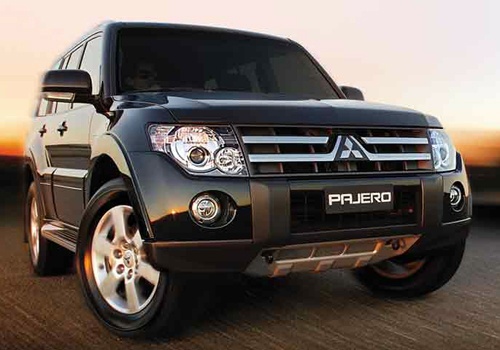
Today we will discover the process of how to disassemble and replace the battery of the key remote for the Mitsubishi Pajero. First, take the remote …
Mitsubishi Pajero
(1999-2006 /
MK 3, V60)
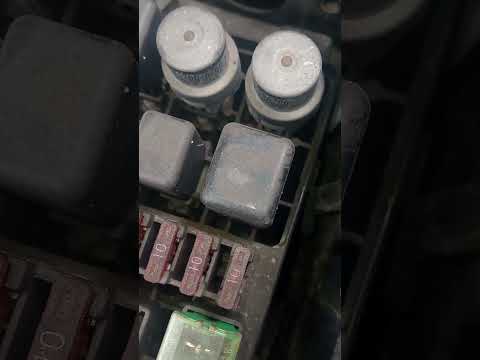
In this new guide, we will discover where the fuse box is located inside your Mitsubishi Pajero (1999-2006). First, completely turn off the vehicle a…

Mitsubishi Pajero
(2006-2021 /
MK 4, V80)
In this tutorial, we will see how to replace the battery in a Mitsubishi Pajero, a very simple and quick operation. First of all, let's make sure tha…
Other guides you may be interested in
|
How to Replace the Cabin Filter on the Opel Grandland X
If you own an Opel Grandland X and want to know the steps to replace the cabin air filter, carefully read the following guide and follow the described steps. First, enter the vehicle and go to the passenger side. Then, locate the box containing the air filter in the lower side area of the dashboard. Remove the cover of the box and finally replace the old filter with the new one. Refit the cover, and you are done. by ScegliAuto More videos
|
For advertising on this site Write to info@scegliauto.com
ScegliAuto is not responsible for any inaccuracy of the data in the lists. To report any inaccuracy or your business (if you own the business in question), please write to info@scegliauto.com
Number of seconds to generate the page: 0.087
(c) ScegliAuto 2026 - info@scegliauto.com - Privacy policy VAT number: IT01247470535 |
