
|
Do it yourself
| |||
| ||||


How do you disassemble the heating control in the Nissan Micra?
Model: Nissan Micra
K12
- Years 2002-2010
The air conditioning knob seen in the video is present inside the Nissan March, but since these controls are similar to each other, we can take inspiration and understand how to disassemble it, if necessary, applying the same operational sequence also in the Nissan Micra. In the example above, the knob is stuck, so it is necessary to remove the dashboard frame and then remove the screws that hold the entire knob group, thus being able to access the back and complete the disassembly. There is also the possibility of lubricating, attempting to restore it without carrying out the aforementioned disassembly, with a specific spray, as shown in the tutorial.
Posted on 12 January 2026 by ScegliAuto
Video tutorial
Related tutorials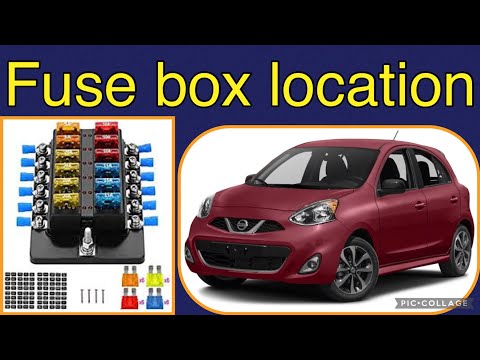
Nissan Micra
(2010-2017 /
K13)
To locate the fuse box of your 2016 Nissan Micra, carefully follow these instructions and put them into practice. First, switch off the car and ensur…

Nissan Micra
(1992-2002 /
K11)
Before you start, open the front bonnet of your Nissan Micra. Next, unscrew and remove the bolts securing the front lights to the frame. Then, discon…
Nissan Micra
(1992-2002 /
K11)
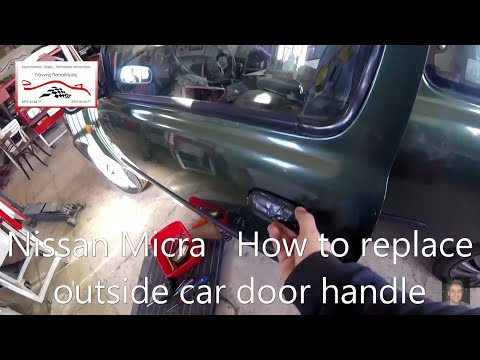
Remove the external door handle? Here’s how to remove the door handle of a Nissan Micra. Unscrew the screws on the trim panel using a screwdriver, th…
Other guides you may be interested in
|
How to Replace the External Wing Mirror on a Ford C MAX
In the event of a breakage, it will be necessary to replace the external wing mirror on the 2011 Ford C MAX. This operation is easily performed independently. Start by removing the internal cover of the mirror with a plastic lever. Then, use a socket wrench to remove the securing pins. Once the pins are removed, you can take off the mirror, but not before disconnecting the power connectors. Then proceed to fit the new mirror. First, connect the connectors and then secure the mirror to its housing with the pins. Refit the plastic cover and test the operation of the electric mirror using the controls. by ScegliAuto More videos
|
|
For advertising on this site Write to info@scegliauto.com
ScegliAuto is not responsible for any inaccuracy of the data in the lists. To report any inaccuracy or your business (if you own the business in question), please write to info@scegliauto.com
Number of seconds to generate the page: 0.512
(c) ScegliAuto 2026 - info@scegliauto.com - Privacy policy VAT number: IT01247470535 |
