
|
Do it yourself
| |||
| ||||


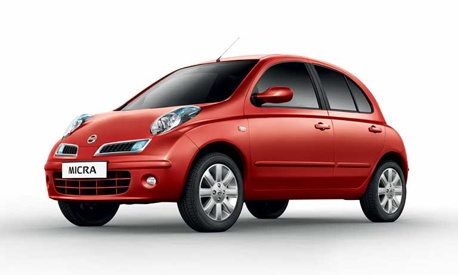
Replace the Cabin Air Filter of a Nissan Micra
Model: Nissan Micra
K12
- Years:
2002, 2003, 2004, 2005, 2006, 2007, 2008, 2009, 2010
Video tutorial
Replace the cabin air filter of a Nissan Micra. Open the glove compartment and unclip the end stops of the compartment, then unscrew the securing screws around the perimeter with a screwdriver. Unscrew the screws again, and after disconnecting the power cables, pull the glove compartment away from the dashboard. After removing the glove compartment, slide the cabin air filter out of its housing (as shown in the video). Insert the new filter into the designated housing and reassemble all components of the glove compartment as you disassembled them earlier.
Updated on 13 March 2026 by ScegliAuto
Related tutorials
Nissan Micra
(2002-2010 /
K12)
Learn how to change the cabin air filter (also known as the pollen filter) on a Nissan Micra. Access is required beneath the glove compartment. In a …

Nissan Micra
(2002-2010 /
K12)
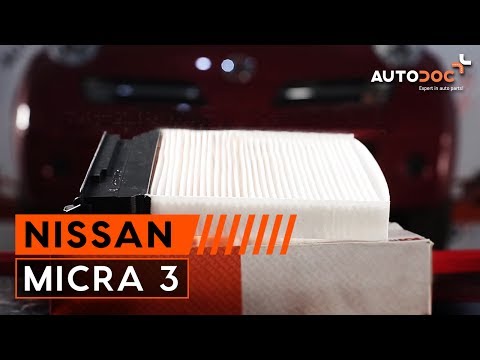
Replacing the cabin filter in the Nissan Micra K12 is a very simple task that you can do independently. With the help of this short video tutorial, y…
Nissan Micra
(2010-2017 /
K13)
In this video tutorial, you can see how to replace the cabin filter on a Nissan Micra by following a few simple steps for proper vehicle maintenance.…
Other guides you may be interested in
|
How to reset the tyre pressure warning light on the Kia Niro EV?
To reset the tyre pressure warning light on the Kia Niro EV, inflate the tyres until they reach the correct pressure value. This value is indicated on the sticker attached to the driver's door pillar. Once the tyres are inflated, turn on the instrument cluster to check that the warning light has completely disappeared from the display. If it is still present, you may need to drive for a few miles to ensure it disappears completely from the screen. by ScegliAuto More videos
|
|
For advertising on this site Write to info@scegliauto.com
ScegliAuto is not responsible for any inaccuracy of the data in the lists. To report any inaccuracy or your business (if you own the business in question), please write to info@scegliauto.com
Number of seconds to generate the page: 0.067
(c) ScegliAuto 2026 - info@scegliauto.com - Privacy policy VAT number: IT01247470535 |
