
|
Do it yourself
| |||
| ||||


Installing a DAB Module on a Nissan Qashqai
Model: Nissan Qashqai
J11
- Years 2014-2022
Before working on the car, assemble the DAB module by connecting it to the supplied USB cable and connecting it on the other end to either the antenna or the antenna adapter. To remove the car's onboard computer, you need to take off the two side plastics (the one between the computer and the steering wheel and the one above the glove compartment) using a plastic wedge and prying in the gaps. Now the screen will come out of its housing simply by pulling it. Connect the DAB cable plug to the appropriate socket on the back of the computer and the DAB antenna plug to the car's antenna socket.
Updated on 6 April 2026 by ScegliAuto
Video tutorial
Related tutorials
Nissan Qashqai
(2014-2022 /
J11)
Let's see how to change the antenna of a Nissan Qashqai J11 to a shark fin antenna, although there is doubt that it may not receive DAB stations as w…
Nissan Qashqai
(2014-2022 /
J11)
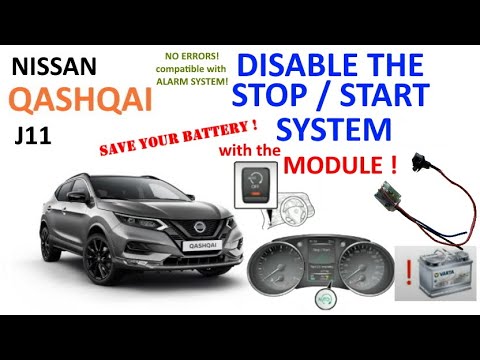
To permanently disable the Start&Stop on the Nissan Qashqai, remove the covers located on the left side of the dashboard, next to the steering wheel:…

Nissan Qashqai
(2014-2022 /
J11)
In this video, we see the reason why the handbrake light on the Nissan Qashqai may start flashing. It is a known defect of the handbrake control unit…
Other guides you may be interested in
|
How to reset the tyre pressure warning light on the Dacia Sandero?
To reset the tyre pressure warning light on the Dacia Sandero, inflate all the tyres to the pressure indicated on the label on the driver's door. Once the tyres are inflated, turn on the ignition and navigate through the menu using the controls on the right side of the steering wheel. Scroll with the arrows to find the tyre pressure option: by holding down the OK button located on the right side of the steering wheel, you can reset the warning light. by ScegliAuto More videos
|
|
For advertising on this site Write to info@scegliauto.com
ScegliAuto is not responsible for any inaccuracy of the data in the lists. To report any inaccuracy or your business (if you own the business in question), please write to info@scegliauto.com
Number of seconds to generate the page: 0.084
(c) ScegliAuto 2026 - info@scegliauto.com - Privacy policy VAT number: IT01247470535 |
