
|
Do it yourself
| |||
| ||||


Replacing the Key Battery on Nissan Micra
Model: Nissan Micra
K13
- Years 2010-2017
The required battery is a CR2032, which you can easily find in hardware stores or large supermarkets. As shown in the video, push the lever on the side of the remote and slide off the top part. Now use a flat-head screwdriver to pry open the seam of the remote. Once opened, pry underneath the battery and remove it. Insert the new battery you purchased and reverse the steps until fully reassembled. Good luck and see you next time!
Updated on 26 April 2026 by ScegliAuto
Video tutorial
Related tutorials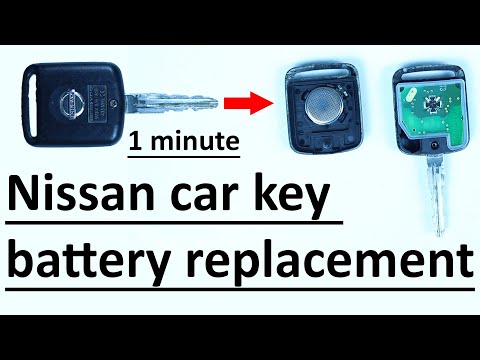
Nissan Micra
(2010-2017 /
K13)
Replacing the key battery on a Nissan Micra is extremely simple, and we will demonstrate it now. Obtain a small flathead screwdriver and leverage it …

Nissan Micra
(2002-2010 /
K12)
Is the remote key battery flat? Let's see how to replace it in a Nissan Micra remote key. Take your remote key and with a screwdriver, unscrew the ti…
Nissan Micra
(2002-2010 /
K12)
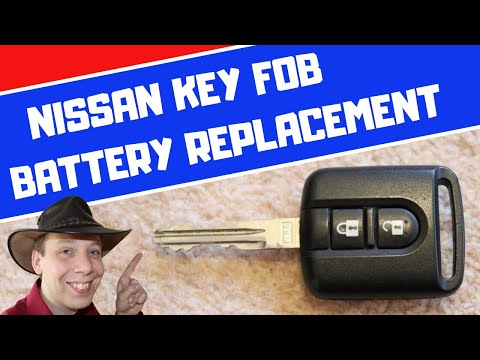
Need to replace the battery in your Nissan Micra key? Here’s how to do it. Take your remote key and unscrew the tiny screw on the key cover, then use…
Other guides you may be interested in
|
How to replace the horn on a Renault Duster - Dacia Duster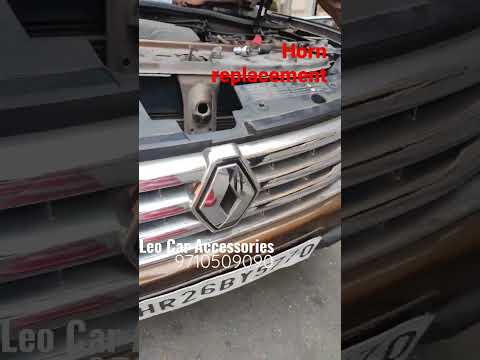
Today's main instructions will show you the procedure for removing and replacing the horn or sound signal on the Renault Duster, as well as the Dacia Duster. First, open the bonnet of the vehicle and start removing the front bumper by unscrewing all the fixing screws; you will find the horn right in front of the radiator, as shown in the video. At this point, disconnect the electrical connector and unscrew the bracket screw to remove and replace the horn with the new one; finally, reassemble the front bumper! by ScegliAuto More videos
|
|
For advertising on this site Write to info@scegliauto.com
ScegliAuto is not responsible for any inaccuracy of the data in the lists. To report any inaccuracy or your business (if you own the business in question), please write to info@scegliauto.com
Number of seconds to generate the page: 0.143
(c) ScegliAuto 2026 - info@scegliauto.com - Privacy policy VAT number: IT01247470535 |
