
|
Do it yourself
| |||
| ||||


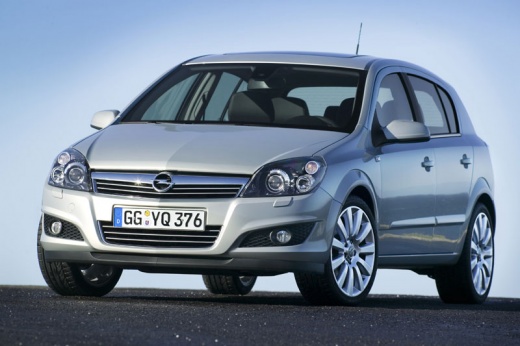
Brake Caliper Painting Tips
Model: Vauxhall Astra
Astra H
- Years:
2004, 2005, 2006, 2007, 2008, 2009, 2010
Video tutorial
Lift the vehicle on suitable axle stands and remove the front wheels; if you decide to paint the calipers without removing them, clean them thoroughly, removing dust and any deposits, and use a small brush to reach all parts of the caliper without splattering the discs; it is recommended to use high-temperature paint and apply multiple coats until achieving an even colour. If possible, it is preferable to remove the caliper and its bracket, sandblast them and spray paint, also applying a clear coat.
Updated on 12 February 2026 by ScegliAuto
Related tutorials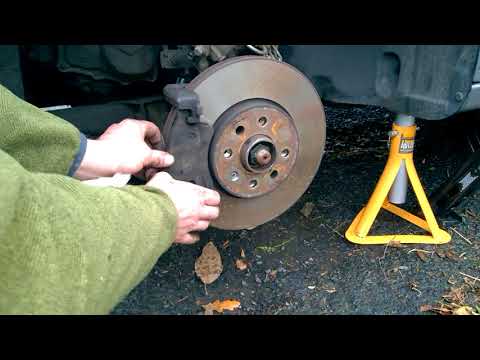
Vauxhall Astra
(2009-2016 /
Astra J)
How do you replace the brake pads on an Opel Astra? This guide shows the disassembly of the brake components. Remove the wheel to access the brake di…

Vauxhall Astra
(2009-2016 /
Astra J)
Today, we will go through the instructions that will allow you to disassemble and replace the rear brake pads on the Opel Astra. First, lift the vehi…

Vauxhall Astra
(2004-2010 /
Astra H)
Today with the help of the following video tutorial, we will explain how to replace the front brake discs of the Opel Astra model h. We start the rep…
Other guides you may be interested in |
How to Set the Clock on a Renault Master 3
This guide shows you how to set a new time on a Renault Master 3. Start by turning on the instrument cluster of the vehicle without starting the engine. Next, using the end of the right-hand steering column stalk, scroll through the options on the display until you reach 'set time', then press the down arrow button to make the displayed time blink. Once this is done, press and hold the down arrow button to change the hour, which you can adjust using the two arrow buttons at the end of the stalk. Once the correct hour is set, press and hold the down arrow button again to move to the minutes. After setting the correct time, restart the vehicle. by ScegliAuto More videos
|
|
For advertising on this site Write to info@scegliauto.com
ScegliAuto is not responsible for any inaccuracy of the data in the lists. To report any inaccuracy or your business (if you own the business in question), please write to info@scegliauto.com
Number of seconds to generate the page: 0.019
(c) ScegliAuto 2026 - info@scegliauto.com - Privacy policy VAT number: IT01247470535 |
