
|
Do it yourself
| |||
| ||||


How to Reset the Maintenance Light on the Opel Adam
Model: Vauxhall Adam
MK 1
- Years 2013-2019
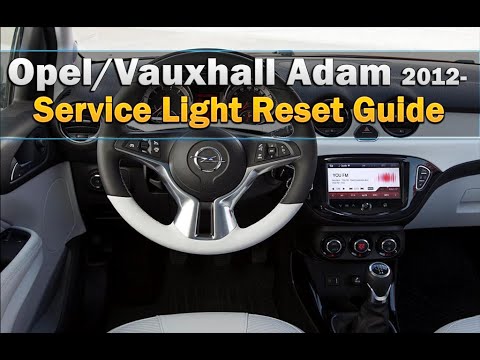
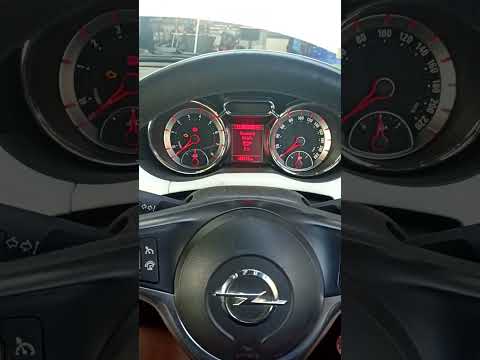
In this mini guide for your Opel Adam, discover how to manually reset the maintenance light. First, insert the key and turn on the instrument panel. Next, press the "Menu" button located on the left stalk of the steering wheel and scroll through the various options using the knob next to the "Menu" button. Once you find the option with a small spanner icon, press and hold the "Set/Clr" button located at the end of the left stalk for a few seconds. Once the reset is complete, release the button and you are done.
Updated on 20 July 2026 by ScegliAuto
Video tutorial
Related tutorials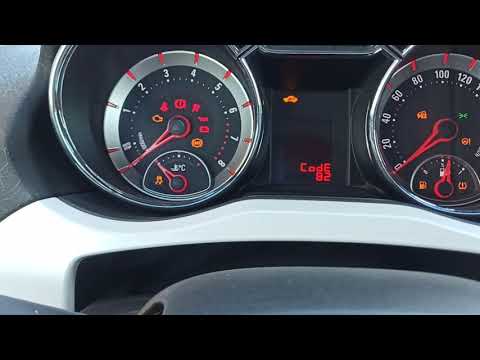
Vauxhall Adam
(2013-2019 /
MK 1)
Let's see the procedure to reset the service light for the routine maintenance oil change on an Opel Adam. First, get in the vehicle and turn on the …
Vauxhall Adam
(2013-2019 /
MK 1)
In this video, you will see the main instructions to reset the service light for the regular maintenance oil change of an Opel Adam. First, get insid…
Vauxhall Adam
(2013-2019 /
MK 1)
To manually reset the maintenance light on your Opel Adam, it only takes a few seconds, and with the following instructions, you will complete the op…
Other guides you may be interested in
|
Frequently Asked QuestionsHow to Reset the Central Locking of the Volkswagen Golf 4?
If the central locking system of the Volkswagen Golf 4 is not working, it is likely necessary to reset the system: to do this, open the driver's door and detach the side panel of the dashboard next to the steering wheel. Under this panel, you will find the fuses, including the one for the central locking, which is indicated in the manual as number 14. To reset the system, remove this fuse from its housing, then reinsert it or replace it with a new one of the same amperage: this will reset the central locking system. by ScegliAuto More videos
|

|
For advertising on this site Write to info@scegliauto.com
ScegliAuto is not responsible for any inaccuracy of the data in the lists. To report any inaccuracy or your business (if you own the business in question), please write to info@scegliauto.com
Number of seconds to generate the page: 0.392
(c) ScegliAuto 2026 - info@scegliauto.com - Privacy policy VAT number: IT01247470535 |
