
|
Do it yourself
| |||
| ||||


How to reset the service light on the Opel Astra J 2011
Model: Vauxhall Astra
Astra J
- Years 2009-2016
In this new mini guide of ours, we will discover together how to correctly perform the manual reset of the service light of your Opel Astra J (year 2011). First of all, turn on the ignition and press the "Menu" button located on the left lever of the steering wheel several times. Once the "Reset" option is displayed on the dashboard, hold down the button located at the end of the left lever and release it as soon as the service light reset is successfully completed. At this point, you can safely turn off the ignition of your Opel Astra J or start the engine.
Posted on 6 June 2024 by ScegliAuto
Video tutorial
Related tutorials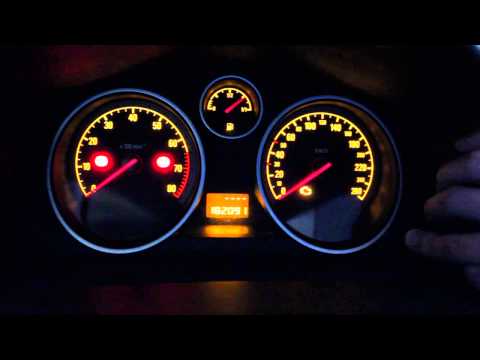
Vauxhall Astra
(2004-2010 /
Astra H)
To reset the Service light on the Opel Astra, press and hold the button located on the right side of the instrument panel while it is off. Continue h…

Vauxhall Astra
(2009-2016 /
Astra J)
The steps to reset the service light related to the car service of the 2015 Opel Astra are: -turn on the car's instrument panel; -press the brake ped…

Vauxhall Astra
(2009-2016 /
Astra J)
In order to reset the Service light that appears on the instrument panel of the Opel Astra, you need to insert the ignition key into the ignition swi…
Other guides you may be interested in
|
How to Check the Oil Level on a Jeep Renegade?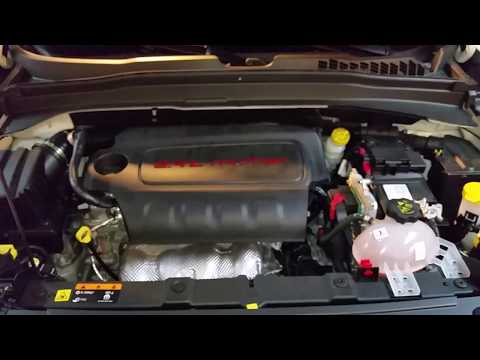
To check the oil level on a Jeep Renegade, you need to open the bonnet to access the components inside the engine bay: on the lower left side of the engine block, you will find the dipstick for checking the level. This should be pulled out and thoroughly cleaned with a cloth: once cleaned, reinsert it back into its tube and pull it out immediately after. This way, you can check that the oil mark is between the minimum and maximum levels; finally, you can place the dipstick back in its tube. by ScegliAuto More videos
|

|
For advertising on this site Write to info@scegliauto.com
ScegliAuto is not responsible for any inaccuracy of the data in the lists. To report any inaccuracy or your business (if you own the business in question), please write to info@scegliauto.com
Number of seconds to generate the page: 0.260
(c) ScegliAuto 2026 - info@scegliauto.com - Privacy policy VAT number: IT01247470535 |
