
|
Do it yourself
| |||
| ||||


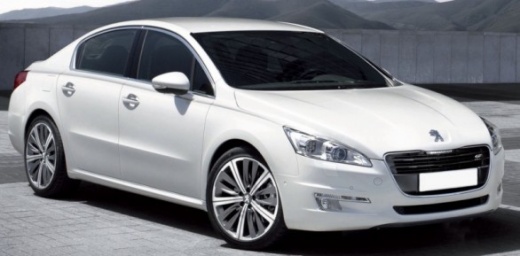
How do you replace the battery of the Peugeot 508 key?
Model: Peugeot 508
MK 1
- Years:
2010, 2011, 2012, 2013, 2014, 2015, 2016, 2017, 2018
Video tutorial
The remote control of the Peugeot 508 suddenly stops working? Unless it has suffered an accidental impact and is broken, the battery inside is certainly discharged. Let's replace it independently and without resorting to technical assistance, using the help of this video guide: Let's get a screwdriver with a very small head and insert it into the appropriate slot on the shell of the aforementioned remote control, to be clear, the side where the Peugeot emblem is present. Let's lever, open it and remove the battery. Insert the new one, follow the reverse procedure to reassemble everything and try it.
Posted on 5 January 2025 by ScegliAuto
Related tutorials
Peugeot 508
(2010-2018 /
MK 1)
Replacing the remote battery on a Peugeot 508, as shown in this tutorial, is an extremely simple and quick operation. For this, you will need a small…

Peugeot 508
(2010-2018 /
MK 1)
In order to replace the battery of the Peugeot 508 remote control, you need to pry open the back of the device with an object like a screwdriver: thi…

Peugeot 508
(2010-2018 /
MK 1)
In this video tutorial, you will see how to replace the remote battery in a Peugeot 508 by following some simple steps: first, purchase a battery (mo…
Other guides you may be interested in
|
How to reset the tyre pressure warning light on the Kia Niro EV?
To reset the tyre pressure warning light on the Kia Niro EV, inflate the tyres until they reach the correct pressure value. This value is indicated on the sticker attached to the driver's door pillar. Once the tyres are inflated, turn on the instrument cluster to check that the warning light has completely disappeared from the display. If it is still present, you may need to drive for a few miles to ensure it disappears completely from the screen. by ScegliAuto More videos
|
|
For advertising on this site Write to info@scegliauto.com
ScegliAuto is not responsible for any inaccuracy of the data in the lists. To report any inaccuracy or your business (if you own the business in question), please write to info@scegliauto.com
Number of seconds to generate the page: 0.129
(c) ScegliAuto 2026 - info@scegliauto.com - Privacy policy VAT number: IT01247470535 |
