
|
Do it yourself
| |||
| ||||


How to reset the service light on the Peugeot 308
Model: Peugeot 308
T9, MK 2
- Years 2013-2021
The following video tutorial shows us how to independently reset the service light of a Peugeot 308 vehicle. To reset the light, we need to select the settings icon from the onboard computer. After accessing the settings menu, we select the "maintenance interval settings" option to start the reset of the light; once the update is complete, we return to the main menu and restart the onboard computer. If the light comes on immediately after the reset, it is necessary to check the functioning of the tire sensors or if the tires have any defects.
Posted on 19 September 2025 by ScegliAuto
Video tutorial
Related tutorials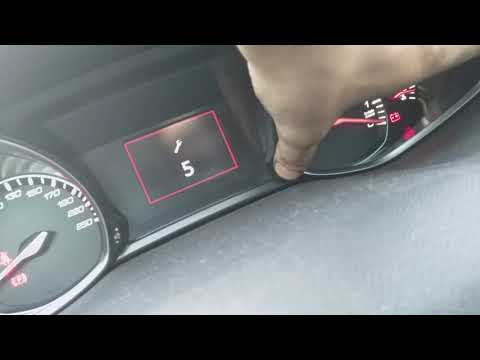
Peugeot 308
(2013-2021 /
T9, MK 2)
To reset the Service light on a Peugeot 308, press and hold the button located on the right side of the instrument panel while it is off: continue ho…
Peugeot 308
(2013-2021 /
T9, MK 2)
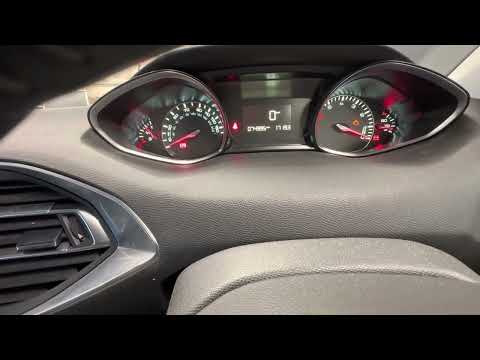
If the service light appears on the instrument panel of your second-generation Peugeot 308 (2013-2021) and you want to reset it manually, follow thes…
Peugeot 308
(2013-2021 /
T9, MK 2)
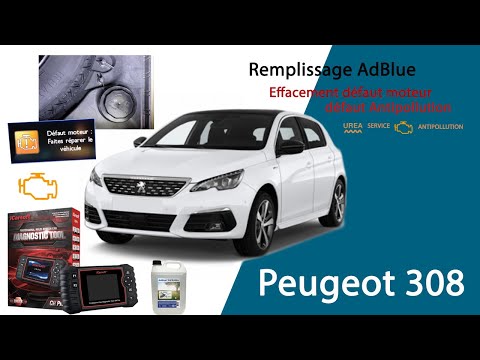
To reset the AdBlue warning light on a Peugeot 308, top up the fluid through the designated filler located inside the boot. To access it, open the re…
Other guides you may be interested in
|
How to Replace the Cabin Filter on the Opel Grandland X
If you own an Opel Grandland X and want to know the steps to replace the cabin air filter, carefully read the following guide and follow the described steps. First, enter the vehicle and go to the passenger side. Then, locate the box containing the air filter in the lower side area of the dashboard. Remove the cover of the box and finally replace the old filter with the new one. Refit the cover, and you are done. by ScegliAuto More videos
|

|
For advertising on this site Write to info@scegliauto.com
ScegliAuto is not responsible for any inaccuracy of the data in the lists. To report any inaccuracy or your business (if you own the business in question), please write to info@scegliauto.com
Number of seconds to generate the page: 0.096
(c) ScegliAuto 2026 - info@scegliauto.com - Privacy policy VAT number: IT01247470535 |
