
|
Do it yourself
| |||
| ||||



How to Replace the Battery in a Peugeot 308 Key Fob
Model: Peugeot 308
T9, MK 2
- Years:
2013, 2014, 2015, 2016, 2017, 2018, 2019, 2020, 2021
Video tutorial
To replace the battery in the key fob of a Peugeot 308, you do not need to extract the mechanical key. Locate the fob and find the gap between the two halves of the shell. Carefully insert a small flat screwdriver into the gap and pry open the shell, separating the two parts without forcing them. Remove the old battery from the compartment and insert a new one of the same type, ensuring the correct polarity indicated inside. Once the new battery is inserted, close the fob by pressing the two halves together until they click. Finally, press a button to check that the remote works correctly, ensuring that the door locking and unlocking functions operate and that all electronic functions respond as expected.
Posted on 23 October 2026 by ScegliAuto
Related tutorials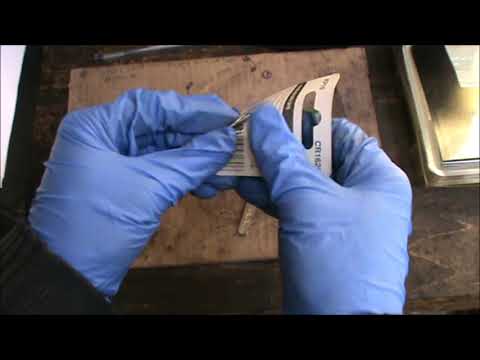
Peugeot 308
(2007-2014 /
MK 1, T7)
Want to change the battery in your Peugeot key? Let’s see how to change the key battery on a Peugeot 308. Take your remote key and, using a screwdriv…
Peugeot 308
(2007-2014 /
MK 1, T7)
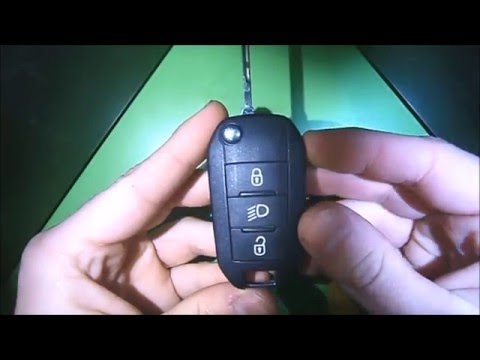
How do we change the battery of the key fob for a Peugeot 308? Let's see in this detailed video how to do it: take your key fob and use a screwdriver…

Peugeot 308
(2013-2021 /
T9, MK 2)
Today, you will learn how to replace the battery of the remote key for the Peugeot 308 independently. To replace the battery, insert a flathead screw…
Other guides you may be interested in
|
Frequently Asked QuestionsHow to adjust the handbrake on the Smart Fortwo?
To adjust the handbrake on the Smart Fortwo, loosen the screws securing the left rear wheel so that it can be removed: after the wheel has been removed from its seat, loosen the screws securing the corresponding brake drum, locating the shoes and the handbrake mechanism. This can be adjusted by tightening or loosening the shoes to regulate the intensity of the handbrake; once the adjustment is complete, verify that the operation has been successfully finished. by ScegliAuto More videos
|
|
For advertising on this site Write to info@scegliauto.com
ScegliAuto is not responsible for any inaccuracy of the data in the lists. To report any inaccuracy or your business (if you own the business in question), please write to info@scegliauto.com
Number of seconds to generate the page: 0.113
(c) ScegliAuto 2026 - info@scegliauto.com - Privacy policy VAT number: IT01247470535 |
