
|
Do it yourself
| |||
| ||||


How to Replace the Cabin Air Filter on a Peugeot 301?
Model: Peugeot 301
MK 1
- Years 2012-2019
To replace the cabin air filter on a Peugeot 301, detach the plastic cover from the lower footwell on the passenger side: after removing this cover, you can take off the filter box lid and pull the filter out of its housing. After removing the old filter, insert the new one and close the box with its lid. Finally, reinstall the side panel of the footwell on the passenger side.
Updated on 17 July 2026 by ScegliAuto
Video tutorial
Related tutorials
Peugeot 301
(2012-2019 /
MK 1)
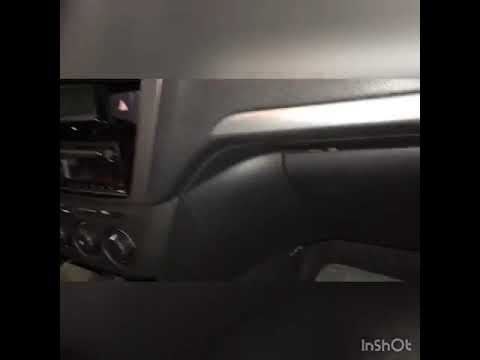
Follow this guide to remove and replace the cabin air filter of the Peugeot 301. First, get inside the vehicle on the front passenger side and remove…
Peugeot 301
(2012-2019 /
MK 1)
To replace the cabin filter in a Peugeot 301, remove the left side panel of the footwell on the passenger side. Once this panel is removed, you can o…

Peugeot 301
(2012-2019 /
MK 1)
To replace the cabin air filter on this vehicle yourself, follow the instructions in this description and use the images from the tutorial video for …
Other guides you may be interested in
|
How to reset the tyre pressure warning light on the Dacia Sandero?
To reset the tyre pressure warning light on the Dacia Sandero, inflate all the tyres to the pressure indicated on the label on the driver's door. Once the tyres are inflated, turn on the ignition and navigate through the menu using the controls on the right side of the steering wheel. Scroll with the arrows to find the tyre pressure option: by holding down the OK button located on the right side of the steering wheel, you can reset the warning light. by ScegliAuto More videos
|
|
For advertising on this site Write to info@scegliauto.com
ScegliAuto is not responsible for any inaccuracy of the data in the lists. To report any inaccuracy or your business (if you own the business in question), please write to info@scegliauto.com
Number of seconds to generate the page: 0.236
(c) ScegliAuto 2026 - info@scegliauto.com - Privacy policy VAT number: IT01247470535 |
