
|
Do it yourself
| |||
| ||||


How to Set the User Profile Photo on the Peugeot 2008 Display
Model: Peugeot 2008
MK 2
- Years 2019-2026
Let's see how to insert the user profile photo on the display of your Peugeot 2008. You will need a photo saved on a USB stick. Insert the USB stick into the appropriate slot, then press "settings" and select "profiles". First, enter your name, then press the photo icon, which will pull directly from the USB stick. Choose the one you like best and confirm. You can select a custom colour for each profile; if you go to "options", you can choose the language and the consumption measurement setting (litres per 100 miles or miles per litre). Another thing that changes based on the set profile is the saving of radio stations.
Updated on 23 August 2026 by ScegliAuto
Video tutorial
Related tutorials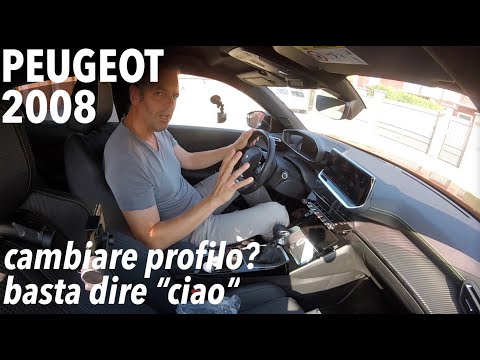
Peugeot 2008
(2019-2026 /
MK 2)
In this video, learn how to quickly change the profile on the Peugeot 2008 cockpit. Press the voice assistant button: say "hello" and the voice respo…
Peugeot 2008
(2019-2026 /
MK 2)
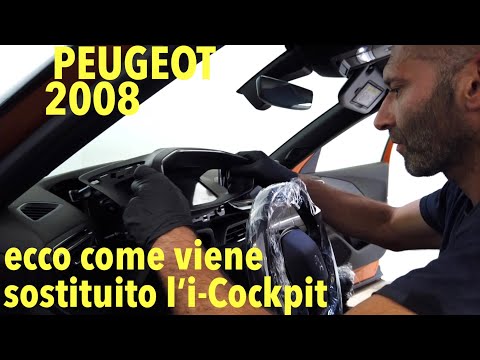
In this video, observe a warranty intervention on Peugeot 2008 models suffering from a defect: the glass has become completely opaque, making the ins…

Peugeot 2008
(2013-2019 /
MK 1)
In order to manually reset the service light on the small display of the instrument panel of your Peugeot 2008 first series (year 2016), you must fol…
Other guides you may be interested in
|
How to Open a Stuck Boot on the Peugeot 407?
On the Peugeot 407, the boot may become stuck, possibly due to a problem with the control button or the lock actuator. In such cases, you can perform an emergency opening by following the simple procedure shown in this tutorial. First, open the rear doors, then lower the seat back by operating the release lever. Next, go inside the boot, locate the lock, and manually operate it using a flathead screwdriver. The boot will then be free to open. by ScegliAuto More videos
|

|
For advertising on this site Write to info@scegliauto.com
ScegliAuto is not responsible for any inaccuracy of the data in the lists. To report any inaccuracy or your business (if you own the business in question), please write to info@scegliauto.com
Number of seconds to generate the page: 0.054
(c) ScegliAuto 2026 - info@scegliauto.com - Privacy policy VAT number: IT01247470535 |
