
|
Do it yourself
| |||
| ||||


Removing the Left Front Panel on a Dodge Ram
Model: RAM 1500
DT, MK 5
- Years 2019-2026
Using a small flathead screwdriver or a plastic wedge, remove the cover behind the door handle and the one behind the center grab handle. Most of the work is already done! At this point, you can start removing the panel by gently prying around the edges, pulling it away from the door until it is completely detached. Disconnect all the various wires and connectors (such as the window switch connector, which just requires pushing the tab). If desired, you can also unscrew and disconnect the speaker; otherwise, proceed to reassemble.
Updated on 9 April 2026 by ScegliAuto
Video tutorial
Related tutorials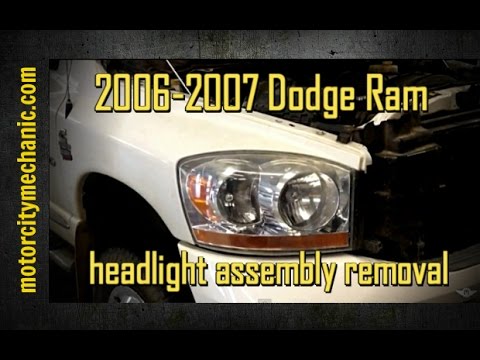
RAM 1500
(2002-2009 /
DM, D1, DH, DC, MK 3, DR)
Today, let's go through the instructions for removing and replacing the front headlight and its bulbs on the Dodge RAM 1500. First, open the hood of …

RAM 1500
(2009-2019 /
DS, MK 4, DJ)
The fuse layout, or rather the fuse box, of Dodge Ram vehicles, specifically the 2016 Dodge Ram 1500, is an electrical diagram that allows you to eas…
RAM 1500
(2009-2019 /
DS, MK 4, DJ)
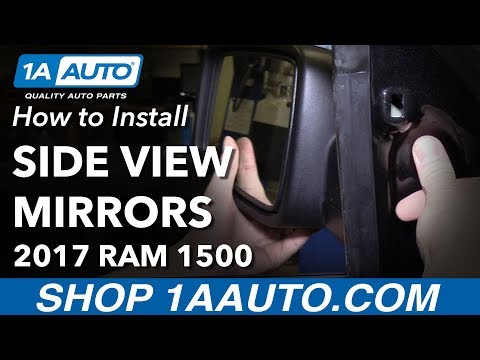
To replace the external side mirror on a Dodge Ram 1500, first remove the triangular plastic cover located near the mirror. Once removed, unscrew the…
Other guides you may be interested in
|
How to Adjust the Brightness of the Instrument Cluster on a Peugeot 3008?
To adjust the brightness of the instrument cluster on a Peugeot 3008, you need to turn on the ignition and access the settings via the menu located in the central area of the dashboard. In the screen that appears, select the "Display Configuration" option: now, by selecting the "Brightness" option, you can adjust it using the dedicated slider that will appear on the screen. The adjustment should be made with the headlights on as well as with them off. Once the adjustment is complete, you can turn off the instrument cluster. by ScegliAuto More videos
|
|
For advertising on this site Write to info@scegliauto.com
ScegliAuto is not responsible for any inaccuracy of the data in the lists. To report any inaccuracy or your business (if you own the business in question), please write to info@scegliauto.com
Number of seconds to generate the page: 0.117
(c) ScegliAuto 2026 - info@scegliauto.com - Privacy policy VAT number: IT01247470535 |
